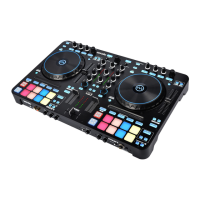
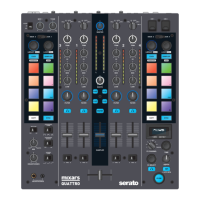
Connect the mixer to your computer using the included USB cable for using it with Serato DJ. To use this
USB device, use the «Source Switch» (see 48) to select to USB1
51. Master volume
Adjust the volume of the master level signal.
52. Master Level Meter
Display the Master Level Signal.
53. Booth
Adjust the level of the «Booth» output.
54. Sound Texture FX selection switch.
Switch between Filter, Noise, Crush and Echo effect and control the FX parameter by «Channel Sound
Texture FX knob» (see 44)
55. Mic 1 tone control
Control the tone of the mic 1.
56. Mic 1 level control
Control the level of the mic 1.
C. On board FX Controls and functions
The Quattro provides a BPM synced FX unit for adding special effects to the performance. There are 15
different FX selections:
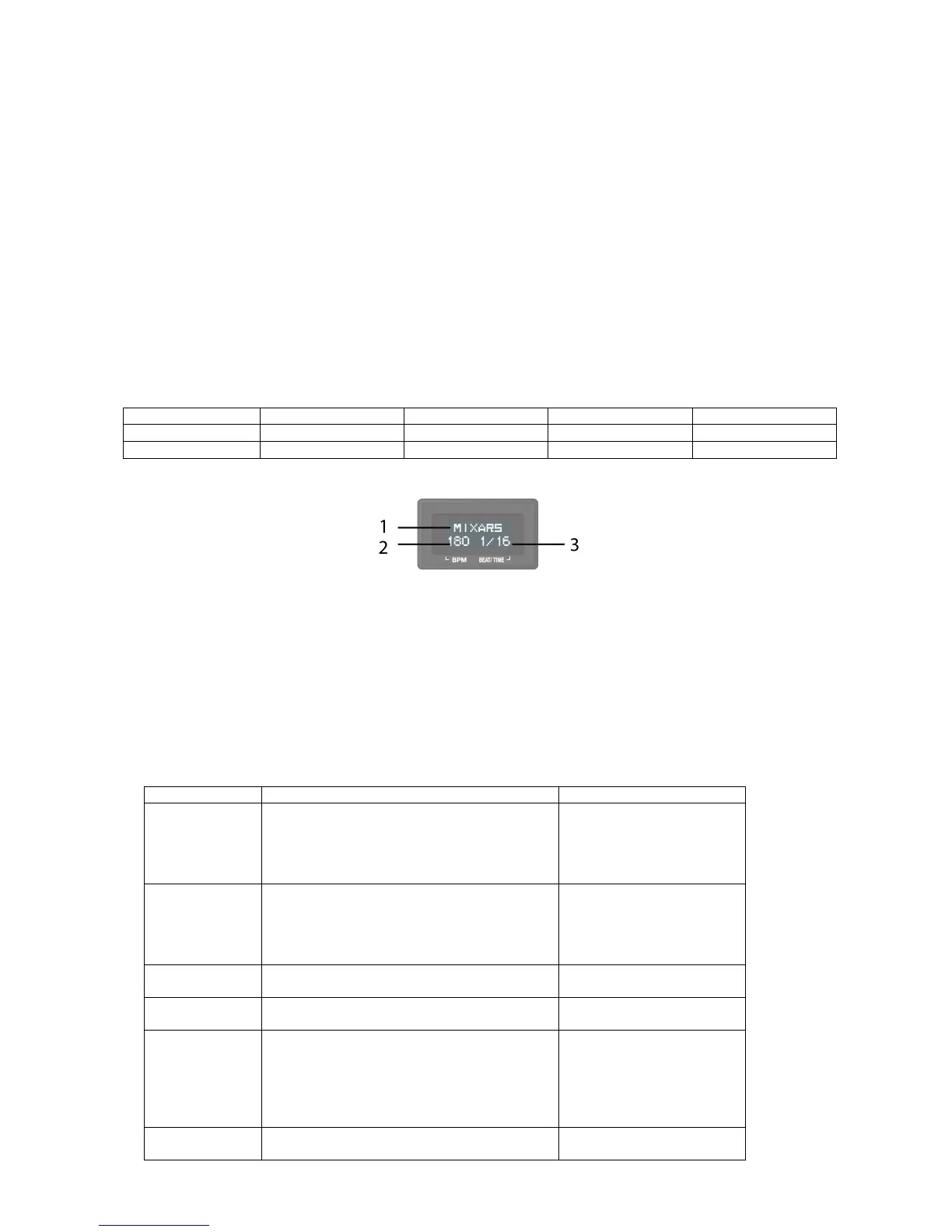
The Display of the Quattro shows various info about the FX:
1. The FX Name
The current selected FX is shown. Turn the FX select Encoder to change to a different FX, the new
FX name will be flashing. Press the encoder to select the FX and the display name will stop
flashing.
2. BPM
The current BPM is shown. Tap the TAP button to enter a manual BPM. Press and hold the TAP
button for 3 seconds to enable Auto BPM, the display will show “AUTO BPM” for 2 seconds.
3. Beat/ Time parameter
The current Beat/ Time parameter is shown. Press the TIME encoder to switch the selection
between Beat and Time parameter.
For different FX, the TIME and DEPTH knobs control different parameters:
Beat range: 1/4 to 64/1
Time Range: 10ms to 32000ms (when
over 9999ms, “a.bs” format will be used
in normal display. E.g. “32.0s” for
32000ms)
Beat range: 1/4 to 64/1
Time Range: 10ms to 32000ms (when
over 9999ms, “a.bs” format will be used
in normal display. E.g. “32.0s” for
32000ms)
Beat range: 1/8 to 16/1
Time Range: 1ms to 4000ms
Beat range: 1/8 to 16/1
Time Range: 1ms to 4000ms
Non BPM synced. Just adjust the extend
(room size) of reverb from 0% to 100%.
Display on normal display should show
“0%” to “100%”.
“Size” should be shown on display as title
when turning the time knob.
Beat range: 1/16 to 16/1
Time Range: 10ms to 16000ms (when


 To Next Page