LET’S PLAYBACK
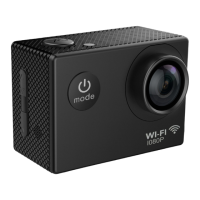
To play back video and photos taken on the camera, short press the Power /
Mode button to select Playblack mode. Use the Up / Down / buttons
to select a photo to view on the built-in display screen . Use the Shutter /
Select button to start or stop playing a video that you have recorded.
LET’S EXPORT FILES TO YOUR COMPUTER
Connect the camera to your computer using a USB cable and select ‘Mass
Storage’ mode on the screen using the Up / Down / buttons. Your
camera will connect to the computer and appear as an external disk drive.
Alternatively, eject the micro SD card from the camera by pushing it in
and releasing so that it pops out and can be removed – you can connect the
micro SD card to your computer using a standard SD card reader and Micro SD
adapter (not included)
6
1
7
7
3
9
9
10


 To Next Page