IMPORTANT: Make sure Bluetooth is switched on, on your phone, but please
DO NOT pair the Watch Core using the Bluetooth settings on your phone. You
need to pair the Watch Core with your phone using the FREE Wofit App:
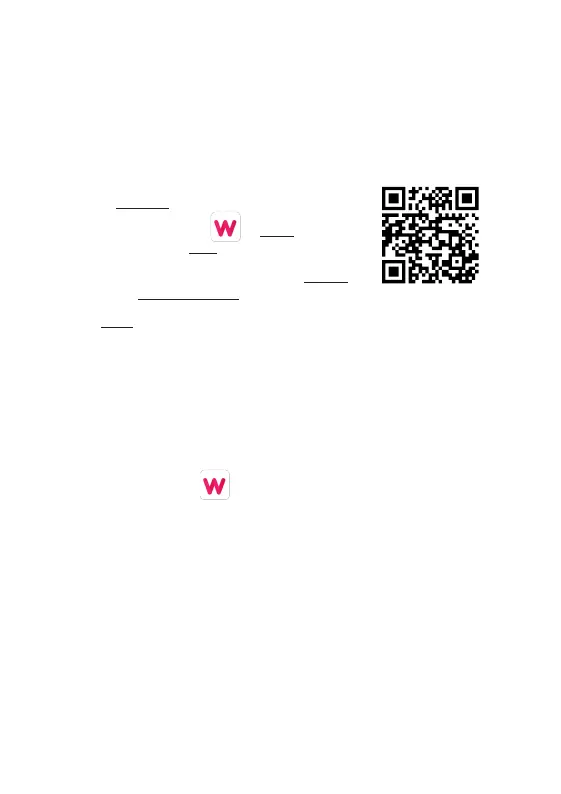
1. Scan the QR Code (right) with your smartphone
to download the free WoFit App. (*)
2. Tap the WoFit icon to install the App
and then tap to open.
3. Follow the on-screen instructions to register
and to set-up an account.
4. Login to the App and follow the on-screen instructions.
* Or, find the QR code on your watch:
1. After turning your watch on for the first time (Let’s Power: Page 3)
and selecting your chosen language, you are then given the option
‘Scan code pairing’. On selecting this option on your watch, you are
shown a QR code which can be scanned using your smartphone to
download the WoFit App. Then follow steps 2-4 above.
Note: The WoFit APP supports iOS 9.0 or later, Android 4.4 or
later and Bluetooth 5.0.
You require Android 4.4 or Apple iOS 9.0 and later to pair with this App.
Only one smartphone can be paired to the Watch Core. To pair other
mobile phones, please unbind the current phone before pairing.
3 4
LET’S INSTALL THE APP
The Watch Core will need to be charged before using it for the first time.
Connect the charge pins on the Magnetic USB Charger [7] to the charging
connectors [6] on the back of the watch. You will see the charging icon on the
watch screen display for 5 seconds.
It will take up to 2 hours to fully charge this watch and then a
battery icon will show.
IMPORTANT!
Please ensure the
Watch
Core is dry before
charging.
Regularly clean charge
connectors [6] with
a dry cloth to ensure
there are no problems
charging.
LET’S POWER


 To Next Page
 Loading...