11
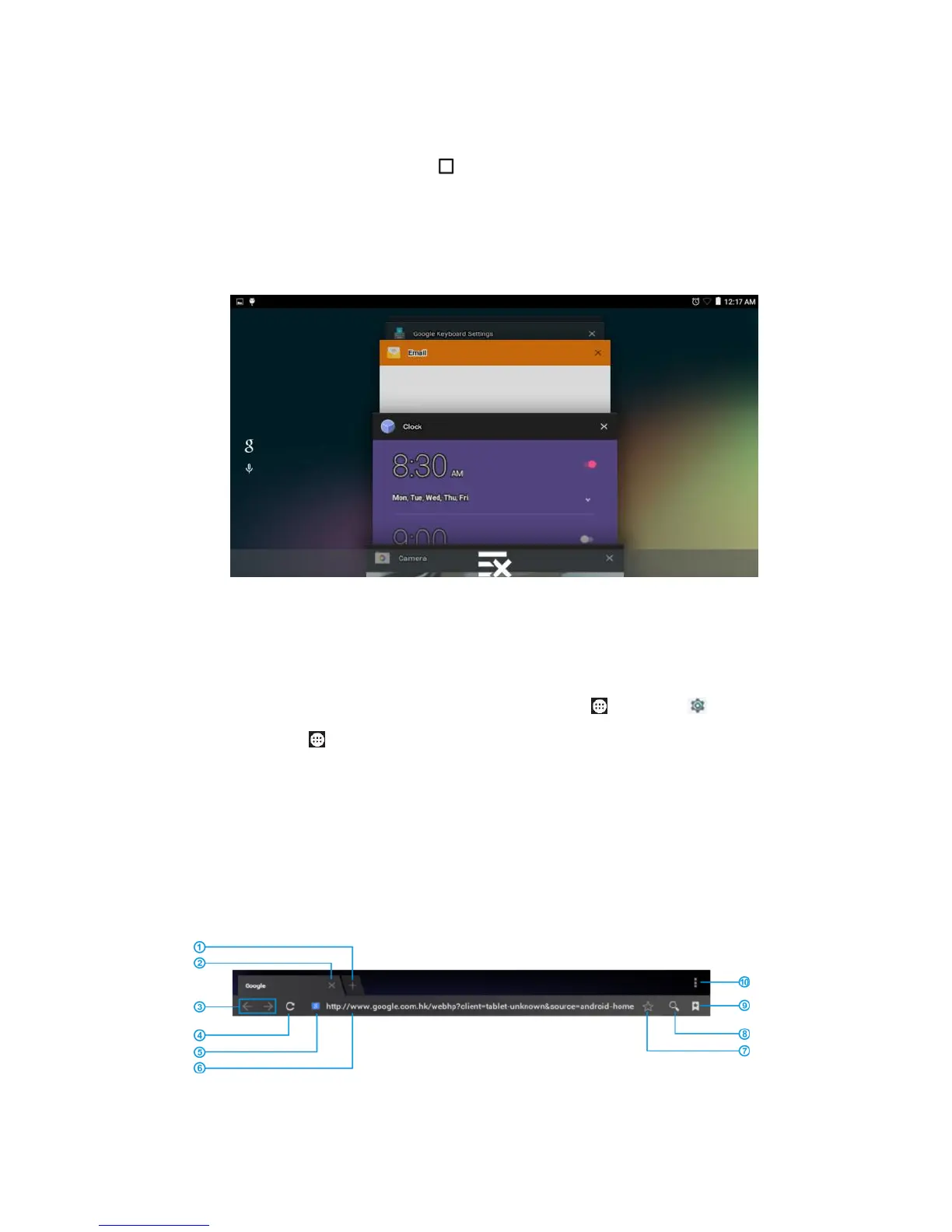
To view recent apps, tap Recents. Swipe the screen
up/down to turn pages. To open an app, tap its page. To close
an app, drag the screen left, right, or tap right upper X. Tap the
bottom X to close all pages and go back to home screen.
Note: Too many apps running may slow your tablet and shorten
the battery life.
To force stop/uninstall/clean an app, tap Apps >
Settings > Apps, tap the app then tap Force stop /
Uninstall / Clear cache / Clear data > OK.
Tip: The pre-installed Apps are not able to be removed but
disabled by tap DISABLE.
9 View web pages



 To Next Page