12
①Open new window ②Close ③Previous/Next webpage
④Refresh/Close ⑤Message of webpage ⑥Input field
⑦Bookmark ⑧Search ⑨Bookmark/history ⑩List of
browser
With a Wi-Fi network connected, tap Apps > Chrome or
other installed browser. Tap the searching bar with keyboard
displayed, type the website, and then tap . Or tap and then
speak to search.
As you type matching characters are highlighted. Tap
to go to previous or next matching item. You may touch and
hold the text till covered in a blue ribbon, drag the blue selectors
to the left/right to select text, tap Copy on the screen top, then
go to where to paste it click Paste.
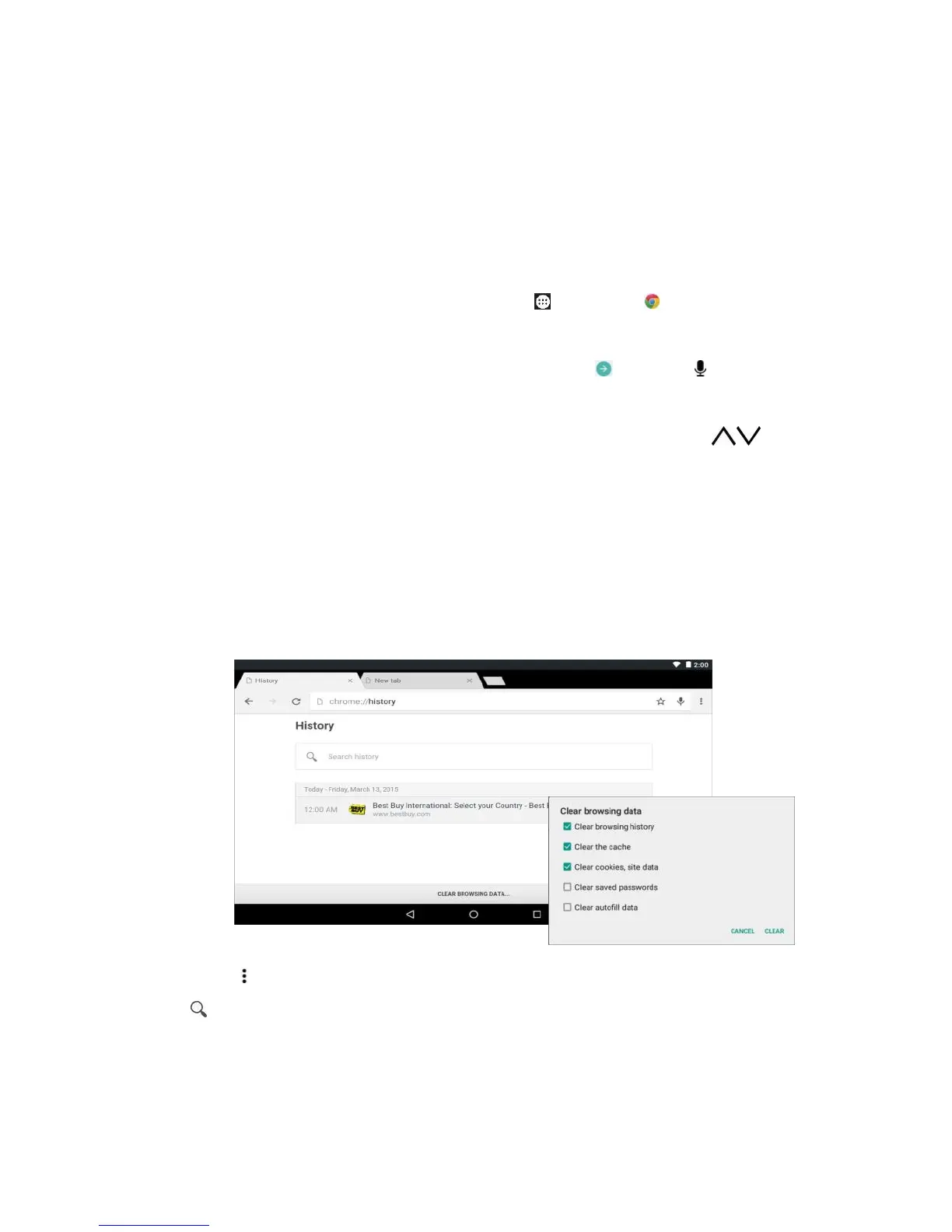
History
Tap Options > History, tap a website to open the page, tap
to search for a website, tap x to remove a single website.



 To Next Page