13
To clear history, tap CLEAR BROWSING DATA... Select the
kinds of data you want to delete, and then tap Clear.
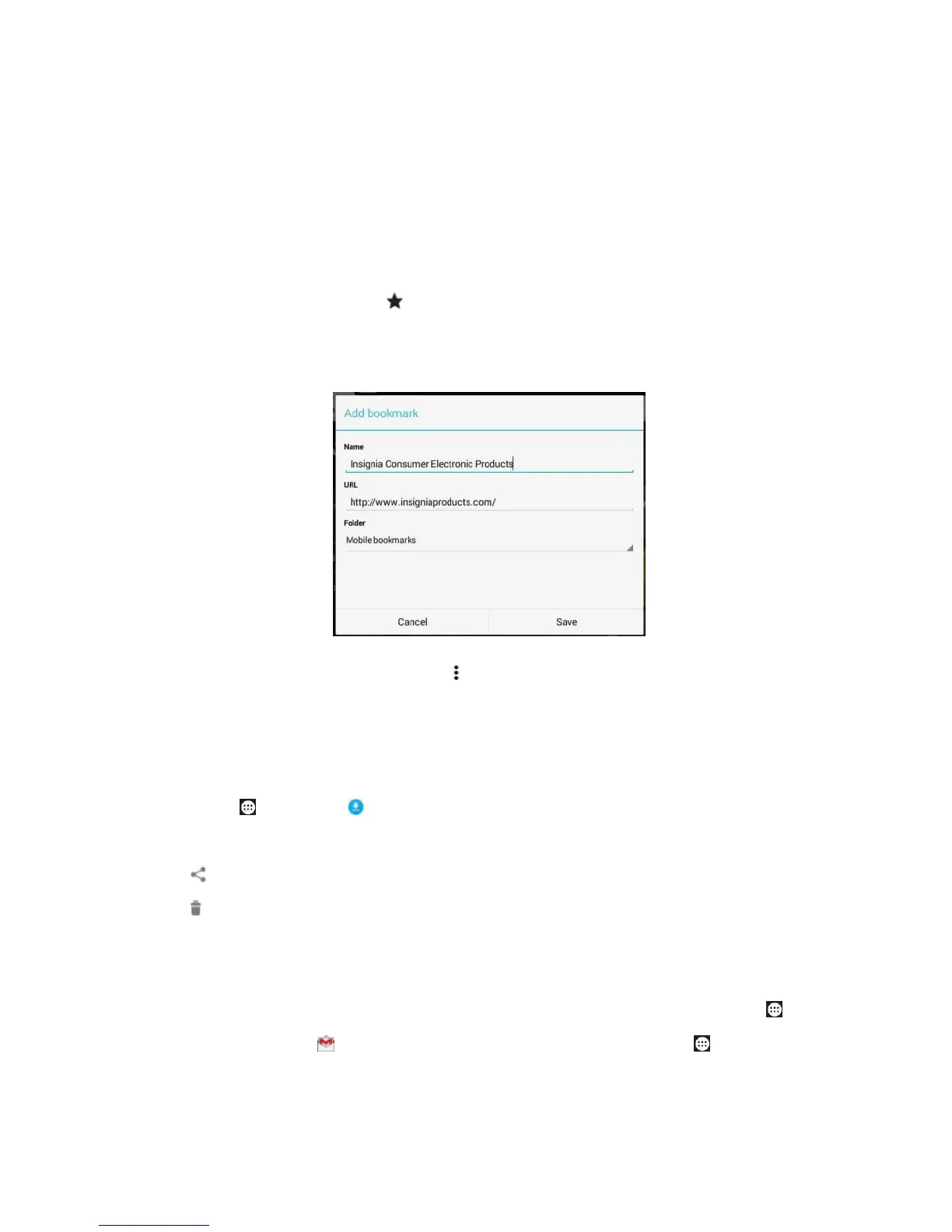
Bookmark
On the webpage tap in the searching bar to pop up a menu
of Add bookmark. Name the bookmark, select the folder
and tap Save.
To open a bookmark, tap Options > Bookmarks, then tap
the website.
Download
Tap Apps > Downloads to view the download list, and
you may tap the file to open it. Tap and hold a file, then tap
Share > Android / Drive / Gmail to share it. To delete it, tap
.
10 Use email
1) To add an account, with a Wi-Fi network connected, tap
Apps > Gmail > Add a email address or tap Apps >



 To Next Page