14
Settings > Accounts > + Add account to pop up a
list of email providers.
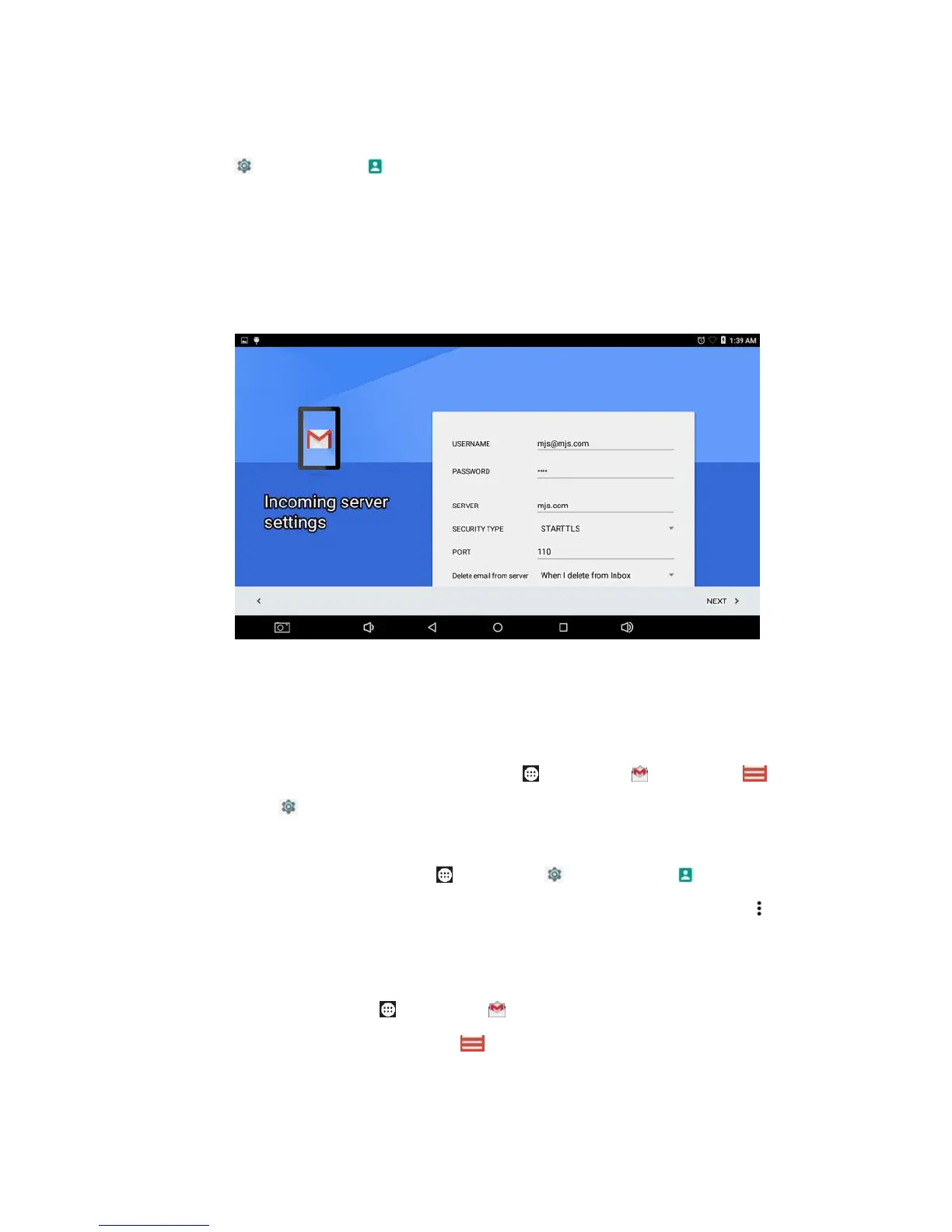
2) Select Gmail or other email provider and tap NEXT.
3) Enter your email address, password, server, security type
and port.
Tip: In the latter way you may tick Auto-sync data.
Note: For some email provider you need install certificate.
To change an account setting, Tap Apps > Gmail >
Menu > Settings, tap the account and change settings in
need.
To delete an account, tap Apps > Settings >
Accounts, tap the email provider and the account, then tap
Options > Remove account.
To view emails, tap Apps > Gmail to open last email box.
You may tap the left upper Menu for a different account.



 To Next Page