15
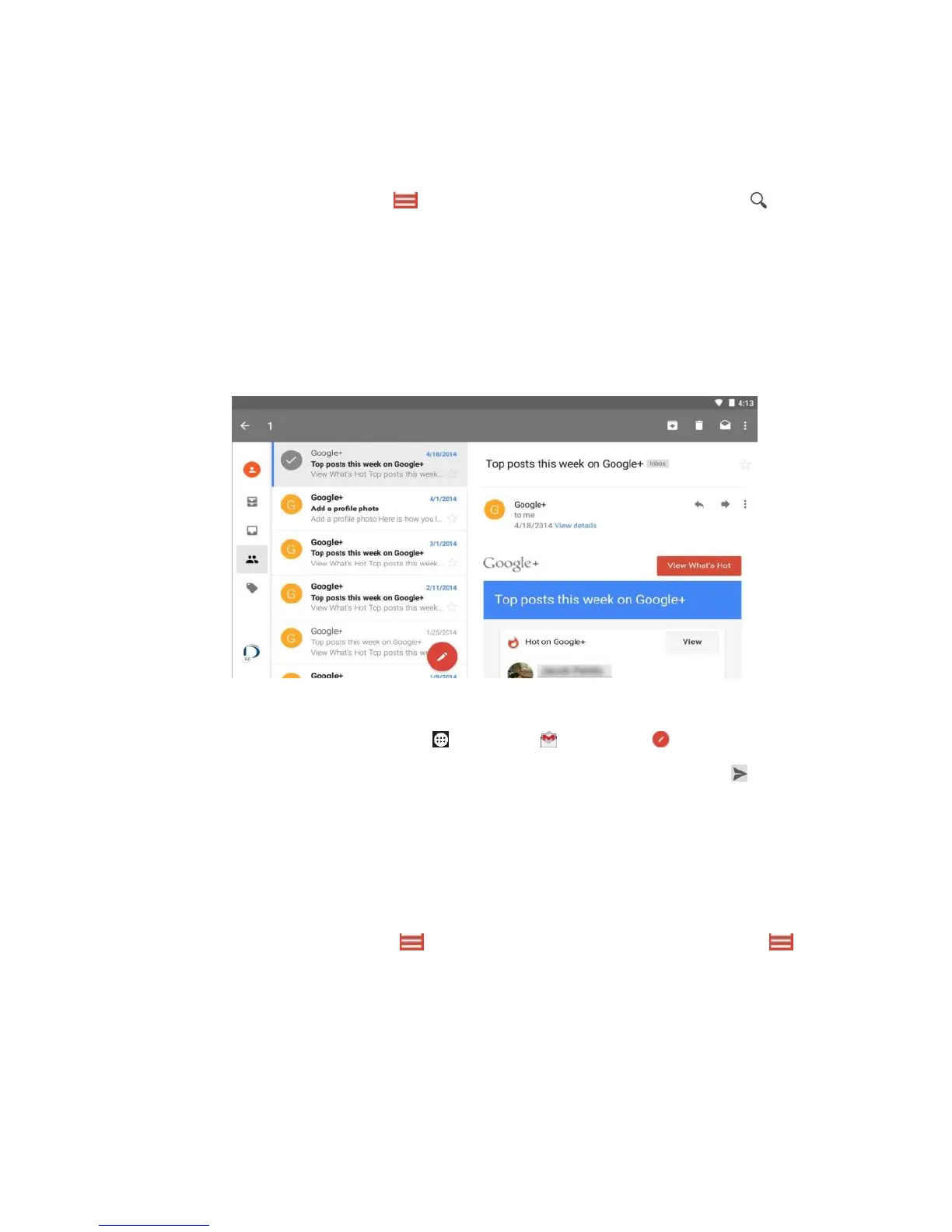
Drag your finger up/down to scroll through your emails, tap an
email to open it, tap Menu to display folders, and tap to
search.
To edit an email, touch and hold an email till display options to
archive, delete, mark as read or unread, or move the email,
then tap V DONE.
To write a new email, tap Apps > Gmail > Compose,
input email addresses, subject and messages, then tap
SEND. For more recipients, separate them with a comma.
When typing address the matching contacts may display for
you to tap directly.
To save an email, tap Menu > Save draft / Return. Tap
Menu > Drafts to access it.
Contacts



 To Next Page