16
Tap Apps > Contacts. Tap or say a name to search
for a contact. Tap right lower to add a new contact. Tap a
contact to view or edit information.
11 Use the camera
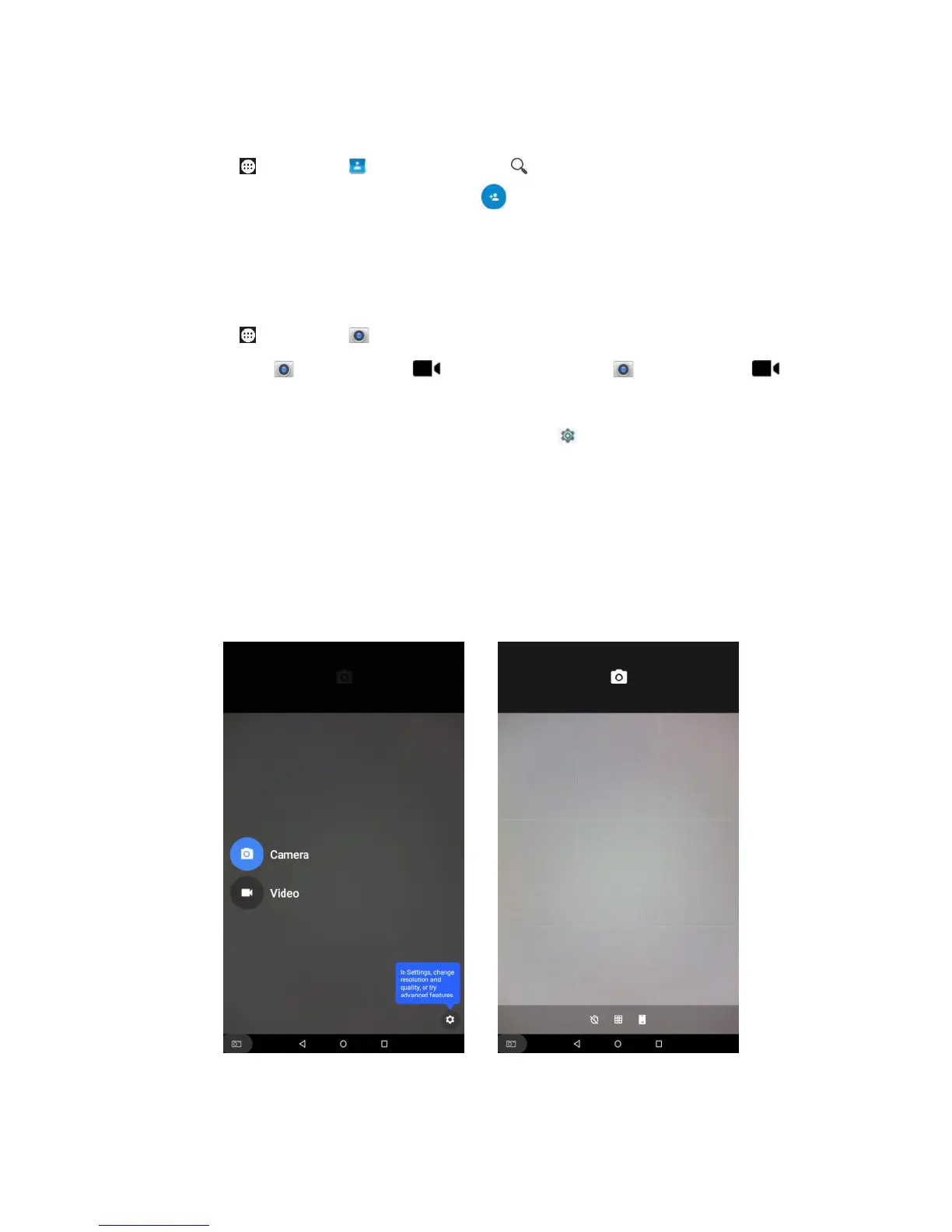
Tap Apps > Camera. swipe from the screen left to
display Camera / Video, and tap Camera /
Video to switch between taking photos and taking videos.
You may set the camera by tapping Settings.
Resolution & Quality: Select resolution for photo/video via
rear/front camera.
Save location: Select on/off.
Advanced: Select on/off for manual exposure.
Help & Feedback: View help info or feedback online.



 To Next Page