20
You can copy an e-book file in PDF, EPUB, TXT, RB2, RTF, or
PDB format from the computer to a folder on your tablet.
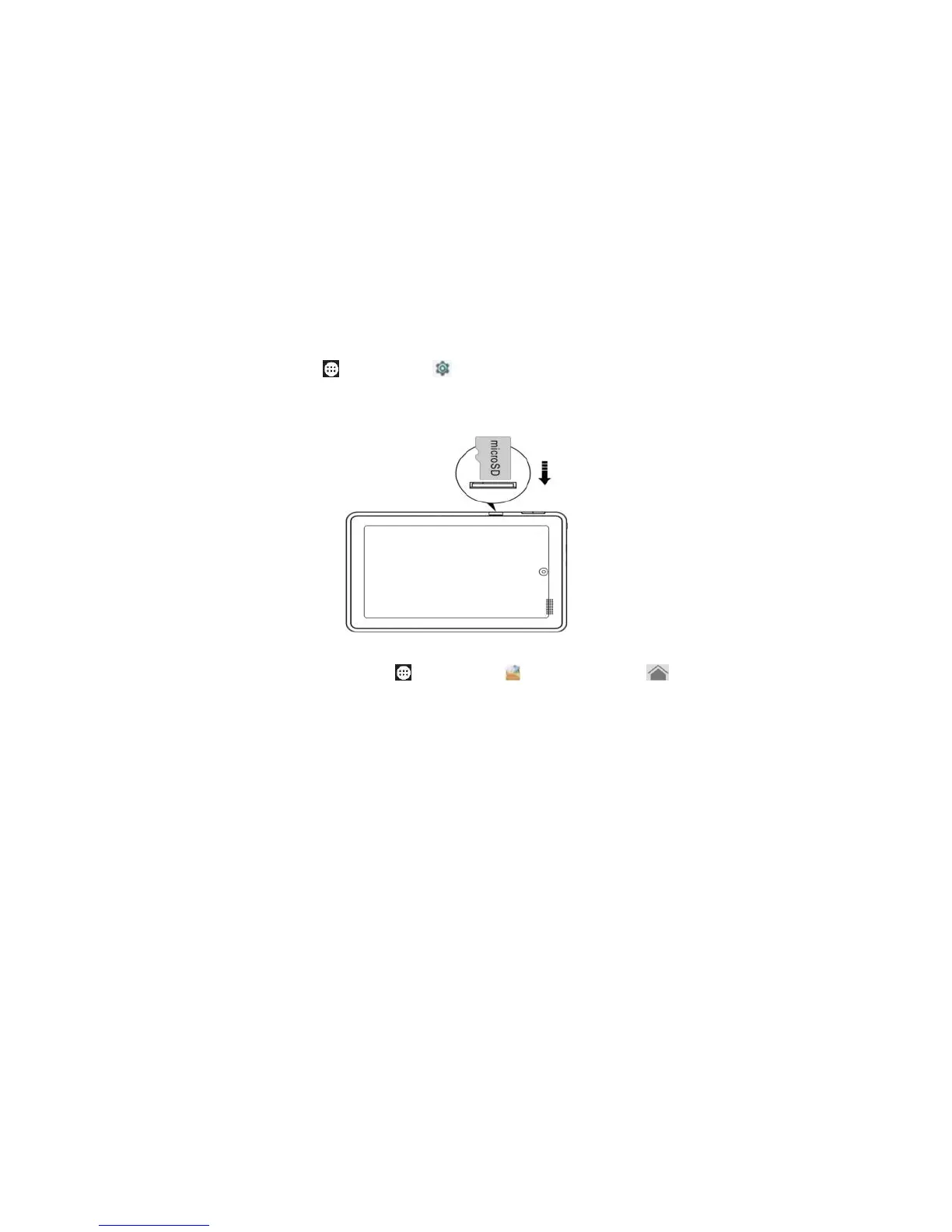
Insert a micro SD card with the label facing back of your tablet
with a click. Tap Cancel with no change, while tap OK to go to
Storage settings for where your tablet write files. To remove
the card, tap Apps > Settings > Storage > Unmount
SD card > OK, and push the card in then release.
To access files, Tap Apps > Explorer > Home >
Internal Memory / SD card / USB storage, and navigate to the
file.
To operate files, select the file or file path, press file or folder
over 2 seconds, select Multi, file/folder, Editor, and perform
function in the list.
To handle files, touch and hold the file to pop up the function
list to perform Copy, Delete, Move, Paste, Rename, Send,
Create or shotcut.
To uninstall a file, download “APK Install”, click the file under
the app to uninstall.



 To Next Page