19
Tap V to save while tap X to exit.
To view details about photo/video, tap Information to show
such as time, location, etc.
13 Listen to music
Tap Apps > Play Music > Menu > My Library to
view your music, tap a category and select a song to start
playback. Tap to pause while tap ► to resume playback.
Drag the progress bar to any playback point you desire.
While listening to a song, you may tap to turn shuffle on or
off, tap to cycle through repeat modes: Repeating all
songs / Repeating current song / Repeat is off.
You may tap Options > Add to playlist or create a new
playlist.
14 Manage files
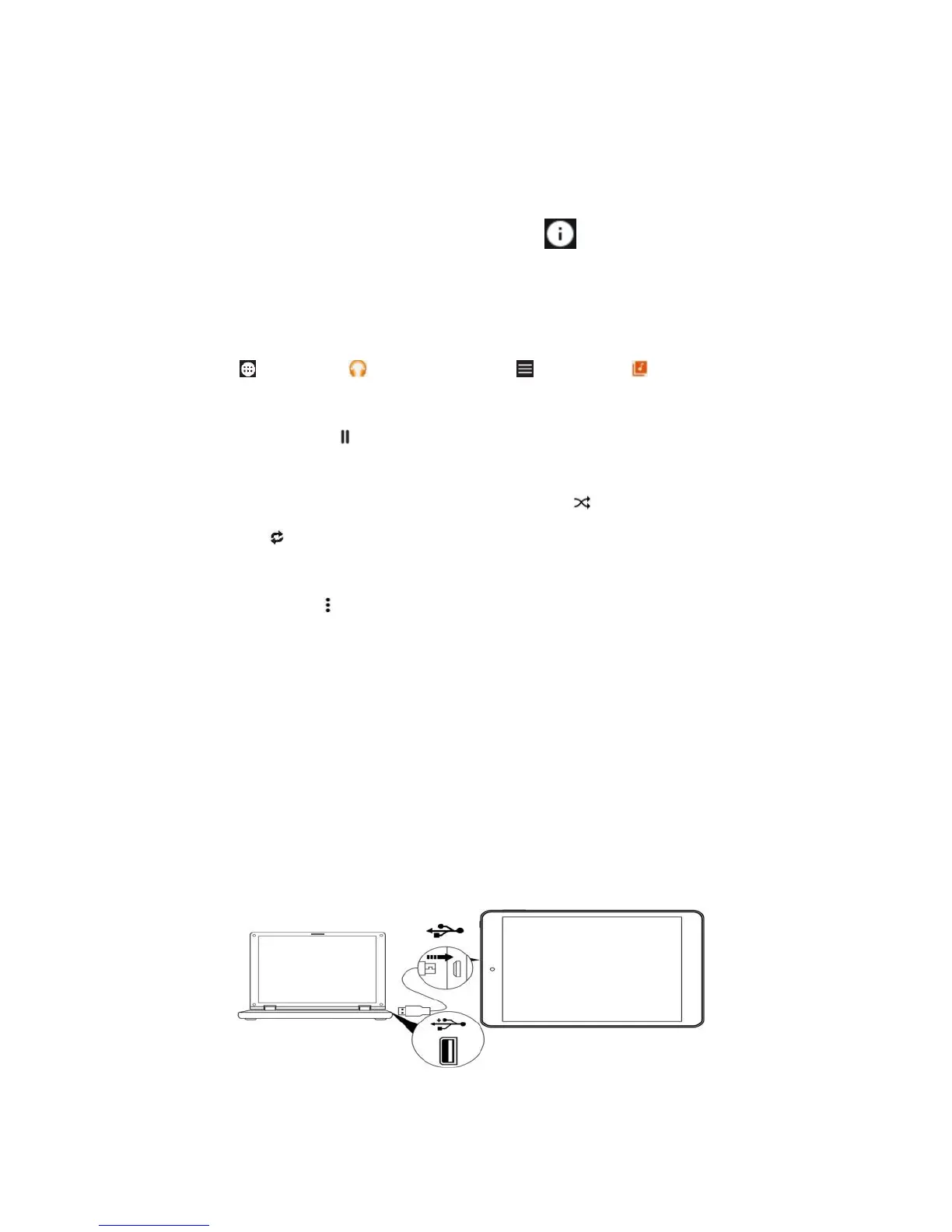
To transfer data, connect your tablet to a PC or a USB disc
with the supplied USB cable. For Windows open My
Computer, for Mac open Finder, then click your model
number T2702 to view or transfer files. When no accessing
data eject your tablet before unplug.



 To Next Page