25
4) Show your name on the lock screen: Tap Tap
Apps > Settings > Security > Owner info, tick Show
owner info on lock screen, type text to display on the
lock screen.
5) Set a time to sleep: Tap Apps > Settings >
Display > Sleep to pop up a menu to select how long
before your inactive tablet sleeps: 15 seconds, 30
seconds, 1 minute, 2 minutes, 5 minutes, 10 minutes, 30
minutes, and never.
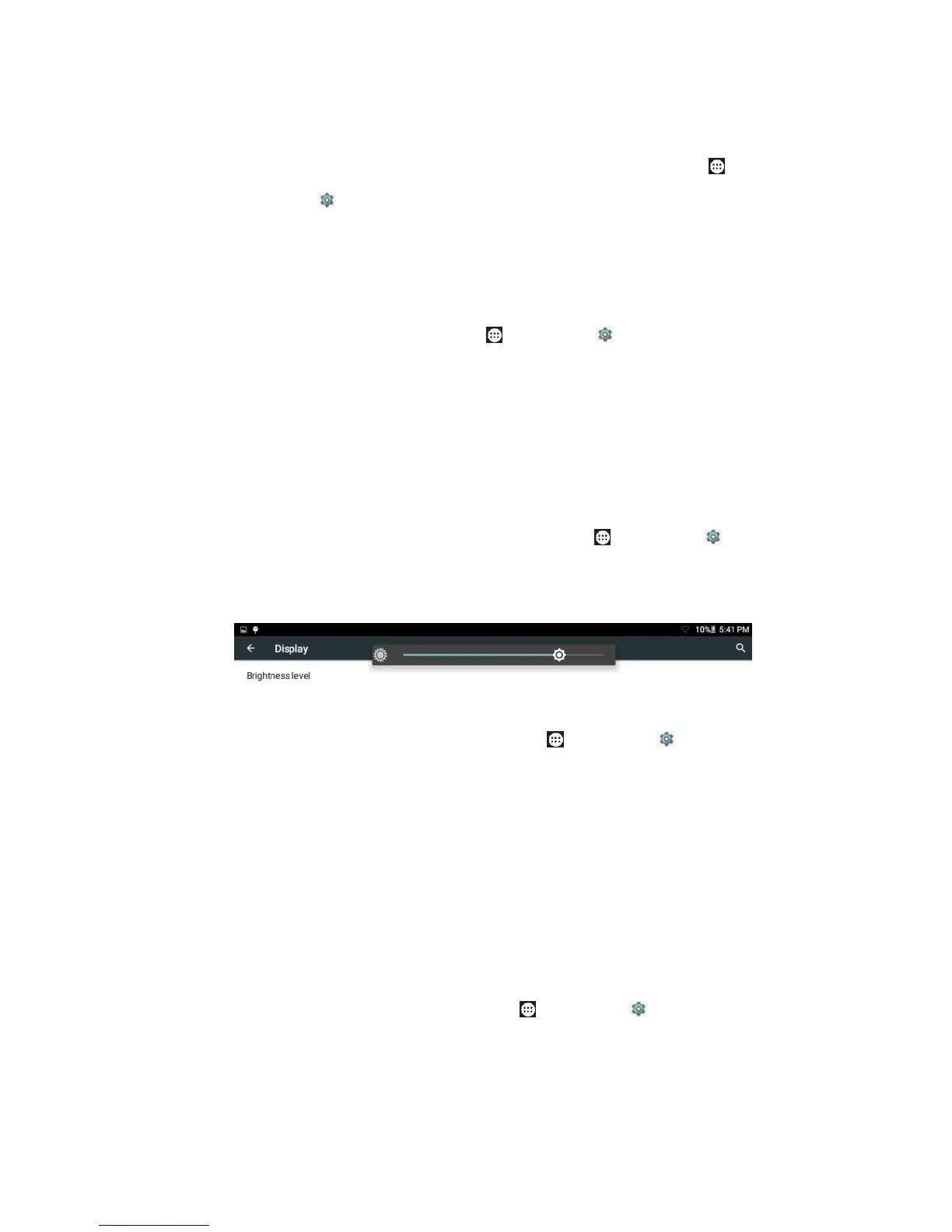
6) Adjust the screen brightness: Tap Apps >
Settings > Display > Brightness level. Draw the slider
left/right to adjust the brightness.
7) Lock the screen rotation: Tap Apps > Settings >
Display > When device is rotated to pop up the menu to
select if rotate screen contents or not: Rotate the
contents of the screen, Stay in current orientation.
Tip: Swipe from the screen top to drop down a menu
showing Auto-rotate, and tap it to switch between
auto-rotate and Landscape/Portrait.
8) Change the wallpaper: Tap Apps > Settings >
Display > Wallpaper, select a picture from Live


 To Next Page
 Loading...