26
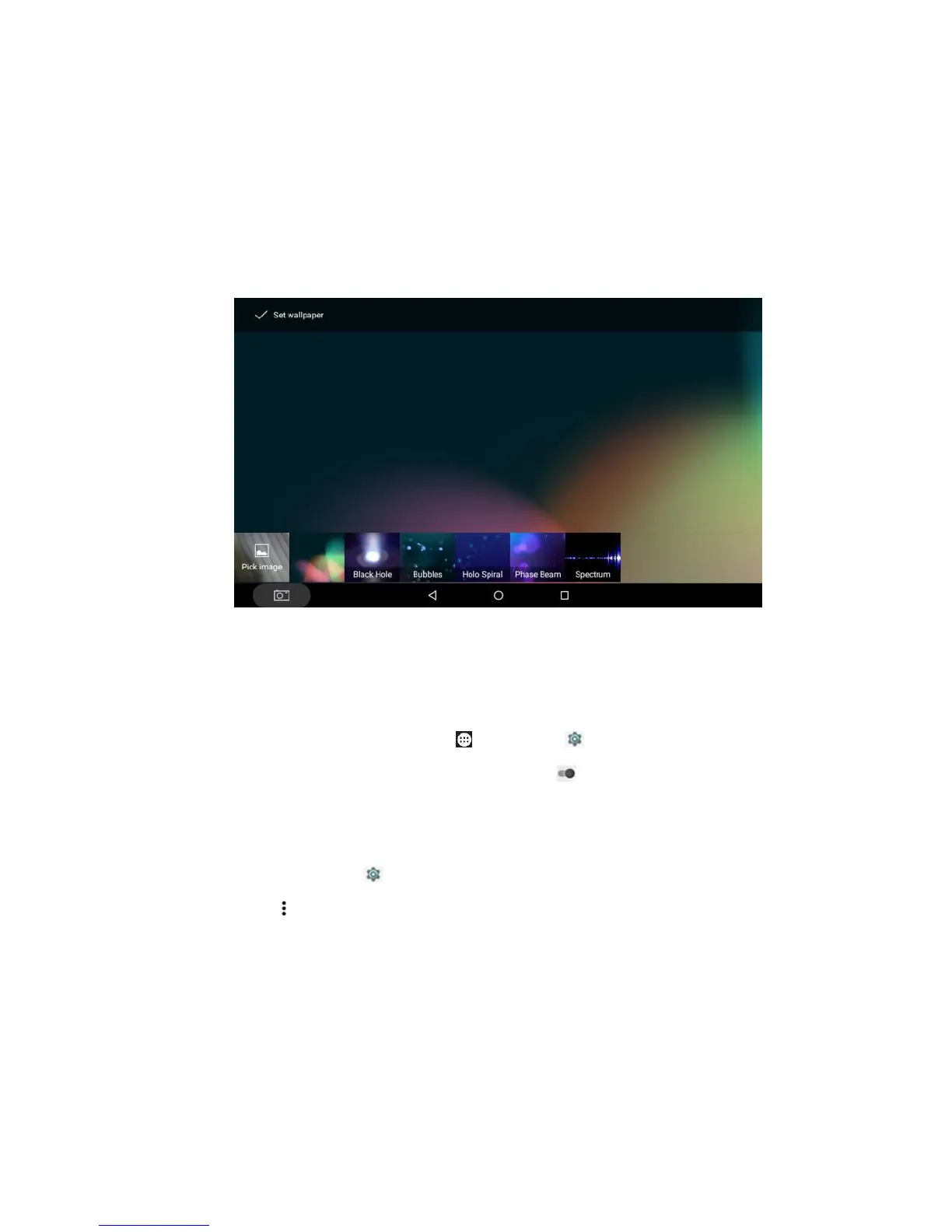
Wallpapers, Photos, or Wallpapers, and tap Set
Wallpaper. You may slide left/right/up/down to view
pictures, and you can pick up recent pictures into the
wallpaper list.
Tip: Tap and hold the home screen to pop up the
wallpaper access directly.
9) Set a daydream: Tap Apps > Settings >
Display > Daydream, and drag to on, select a
daydream content: Clock, Colors, Google Photos, News
& Weather, Photo Frame, Photo Table or Photos, and
you may tap Settings to set up each item.
Tap Options, tap Start now to start daydream
immediately, while tap When to daydream to pop up the
menu to select when to daydream: While docked, While
charging, or Either.



 To Next Page