Press and hold to turn your tablet on/off.
Press briefly to lock/unlock the screen.
When the tablet is on, press and hold till
pop up a menu of “Power off” and
“Reboot”, then tap “Power off” to turn off
the tablet while tap “Reboot” to restart
your tablet.
Speak into the microphone to capture
your voice.
Insert a microSD card to increase your
tablet's memory.
Play audio from your tablet.
3 Start your tablet
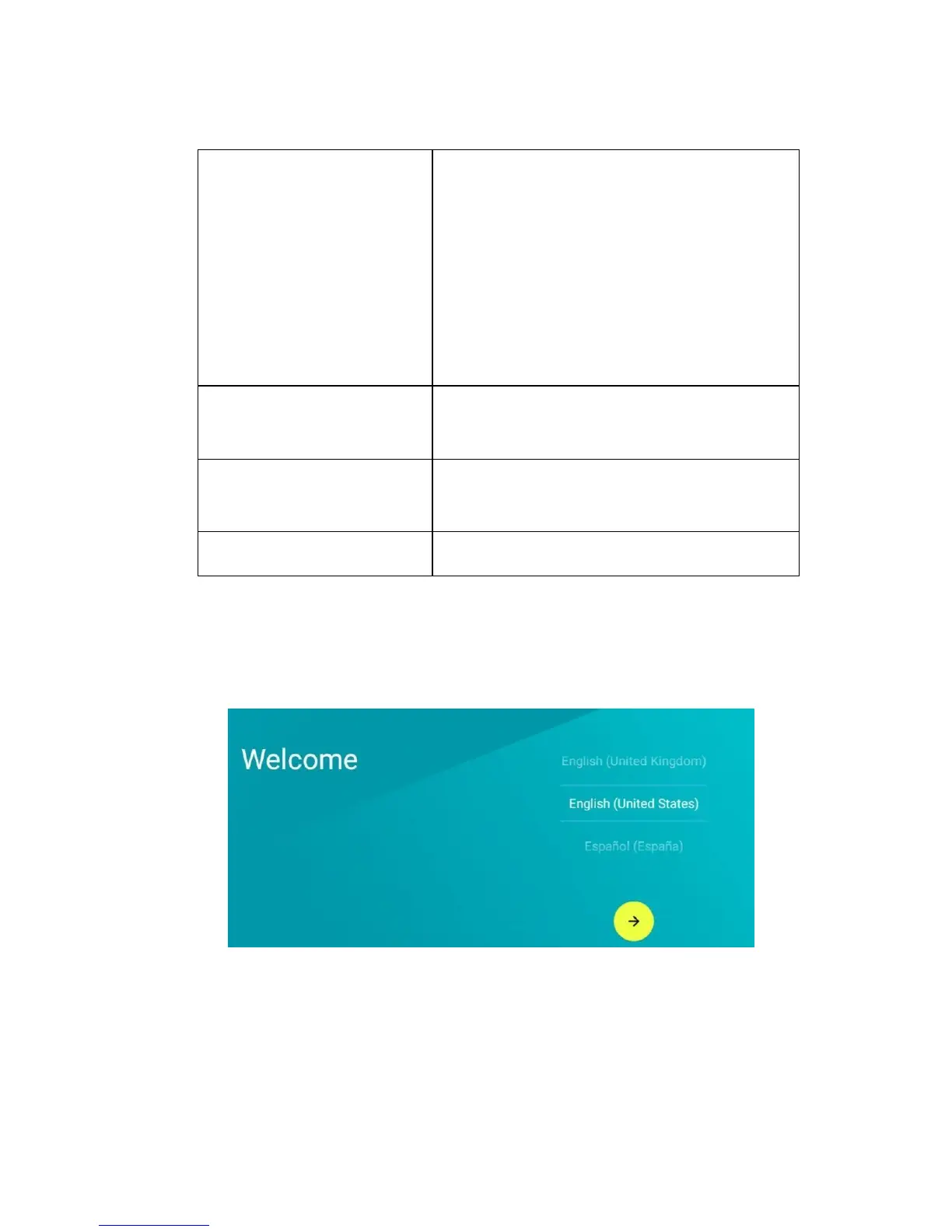
1) Press and hold the power button till your tablet turns on
with a Welcome screen.
2) Swipe up/down the list of languages and select your
language.
3) Swipe up/down the list of networks, select your network,
and enter a 4 characters password in need.



 To Next Page