3
Note: You can use your tablet without connecting to Wi-Fi
or logging in a Google™ account, but you won’t be able to
visit Play Store or update software.
4) Tap and select the time zone, date and time.
5) Enter your first and last name.
6) Set the screen lock, referring to
Tip: After turn on your tablets, you may skip other steps.
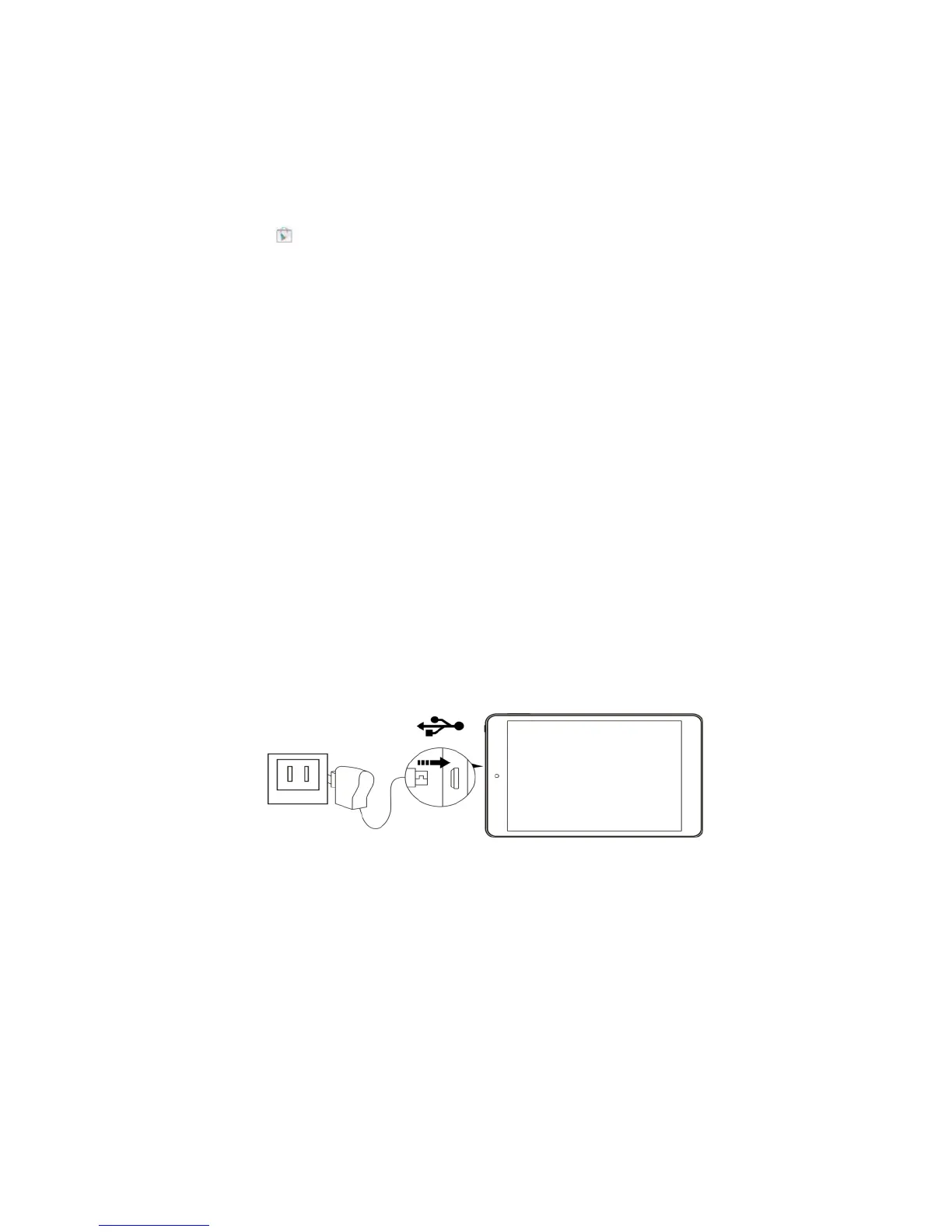
4 Charge your tablet
Note: Before charge your tablet for the 1
st
time, use your tablet
till the battery is completely empty, and then charge it fully,
which will help increase your battery life and efficiency. When
the battery power is too low, the device will turn off
automatically. Please charge if low battery notification appears.
To conserve the battery life it isn’t recommended to play and
charge all at once.
Insert the USB plug of supplied cable into the socket of the
supplied AC adapter, insert the micro-USB plug into the
micro-USB port of your tablet, and insert the AC plug into an AC
receptacle. The device will be charged automatically with a
charging battery icon displayed on the right upper screen, and it
will take approximate 3 hours till the battery power is full.



 To Next Page
 Loading...