EasyManua.ls Logo

MJS T2702 - Navigating with OSD; USB and Wi-Fi Status Indicators; Battery and Search Indicators; Screen Navigation and App Access

Default Icon
41 pages
Print Icon
To Next Page IconTo Next Page
To Previous Page IconTo Previous Page
Loading...
4
Tip: For battery saving, turn off Wi-Fi, close Apps that you
aren’t using, shorten the display time, and lower the brightness.
To check the battery power balance, tap Apps >
Settings > Battery. To show the battery percentage in the
status bar, click Battery Percentage. to Turn on the battery
saver, tap Options > Battery saver and drag to ON, but
it turns off automatically when charging your tablet.
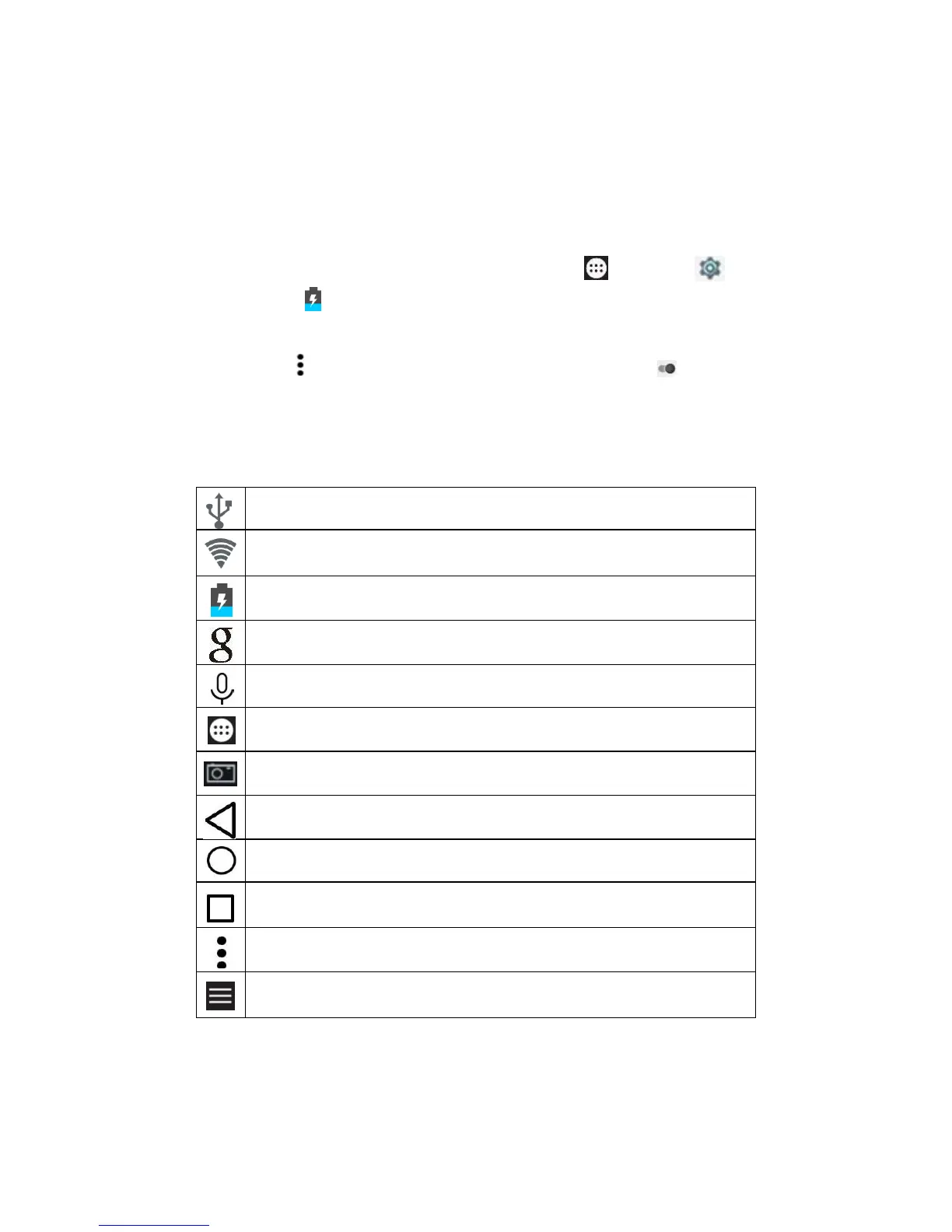
5 Navigate with OSD

USB port is connected.
Wi-Fi connection and how strong of signal.
Power balance of battery and if charging or not.
Start a text search on Google™.
Start a voice search on Google™.
Return to the home screen.
Capture a screenshot.
Return to the previous screen.
Access all Apps
List the Apps running recently.
Display the menu of options.
Open the side menu.