30
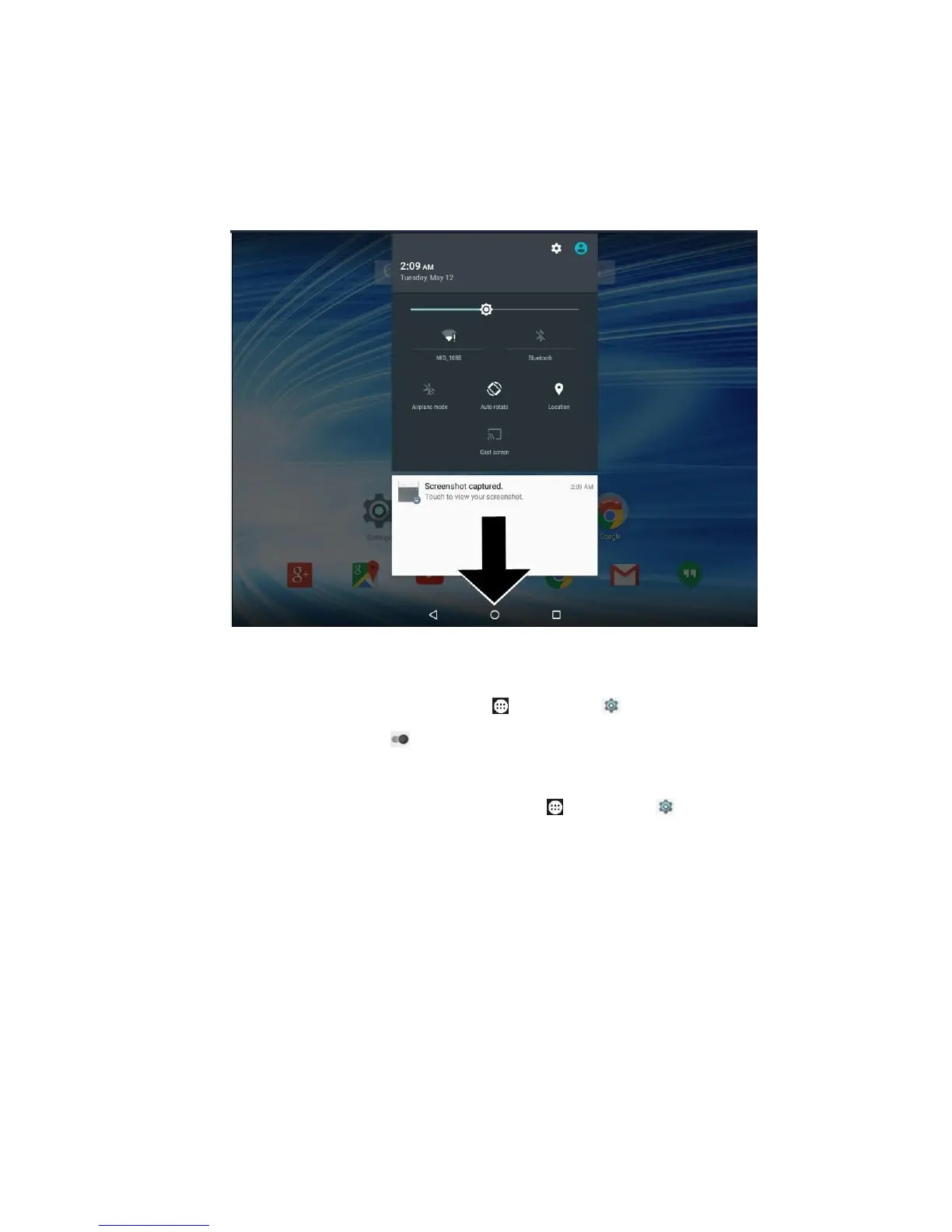
brightness, etc., and then swipe down again to display
more status items. Swipe up to retract the menu.
14) Open your location: Tap Apps > Settings >
Location, drag to On / Off.
15) Reset to default settings: Tap Apps > Settings >
Backup & reset > Factory data reset > Reset Device to
erase all data and restart your tablet.
Note: Before reset, you may tap Backup account > + Add
account and Back up my data to back up your
data/settings to Google™ servers, and tap Automatic
restore to enable/disable restoring backed up
data/settings when reinstalling an app.



 To Next Page