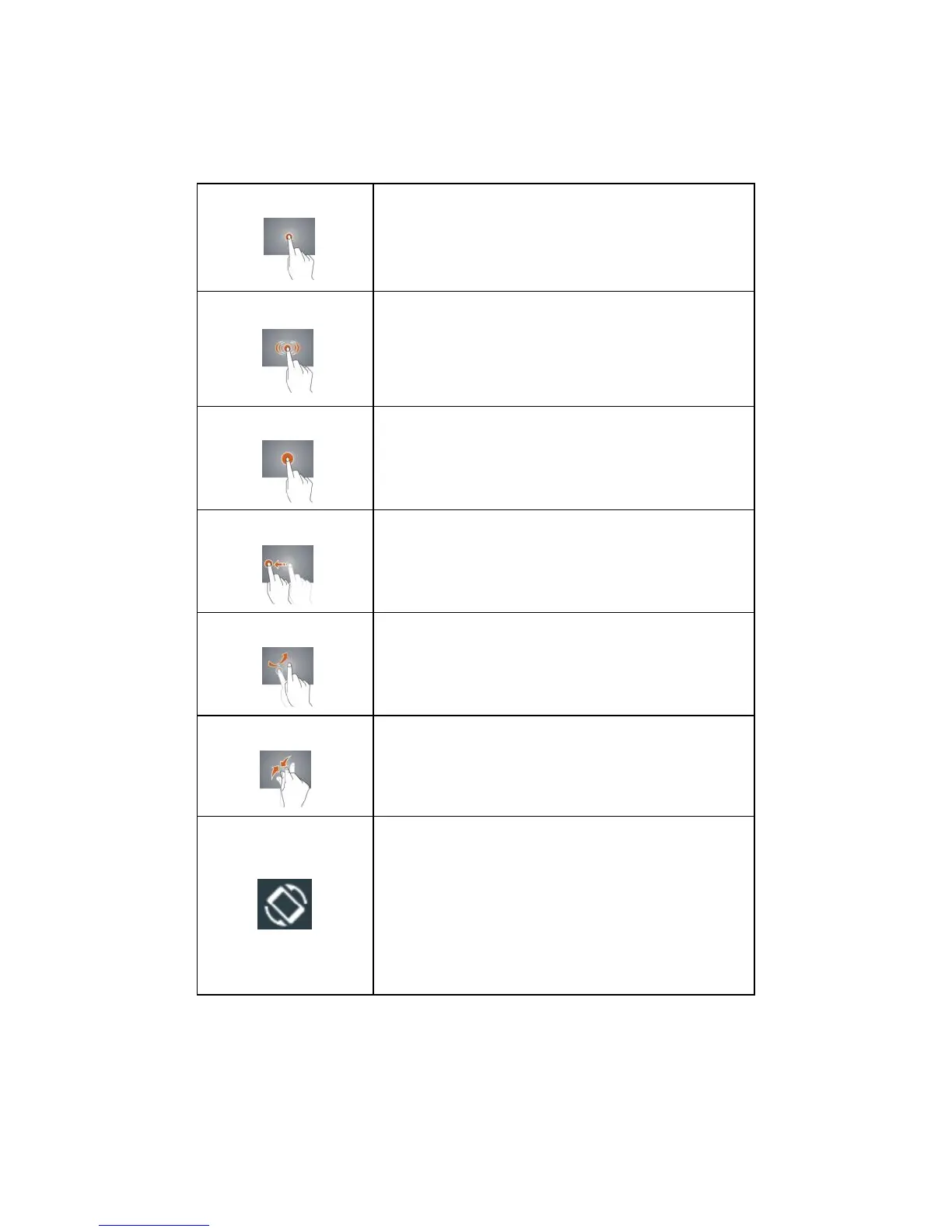
Tap an app or another item with your finger
to open or select it.
Enlarge or shrink the display size.
Touch an item with your finger and do not
release it until your tablet responds.
Touch and hold an item and then move
your finger to where you desire.
Quickly slide your finger either vertically or
horizontally across the screen.
Pinch your fingers together or move them
apart.
Turn your tablet sideways to switch
between landscape and portrait. If not
switch, swipe down from the screen top, tap
Landscape/Portrait to switch to
Auto-rotate.



 To Next Page