7
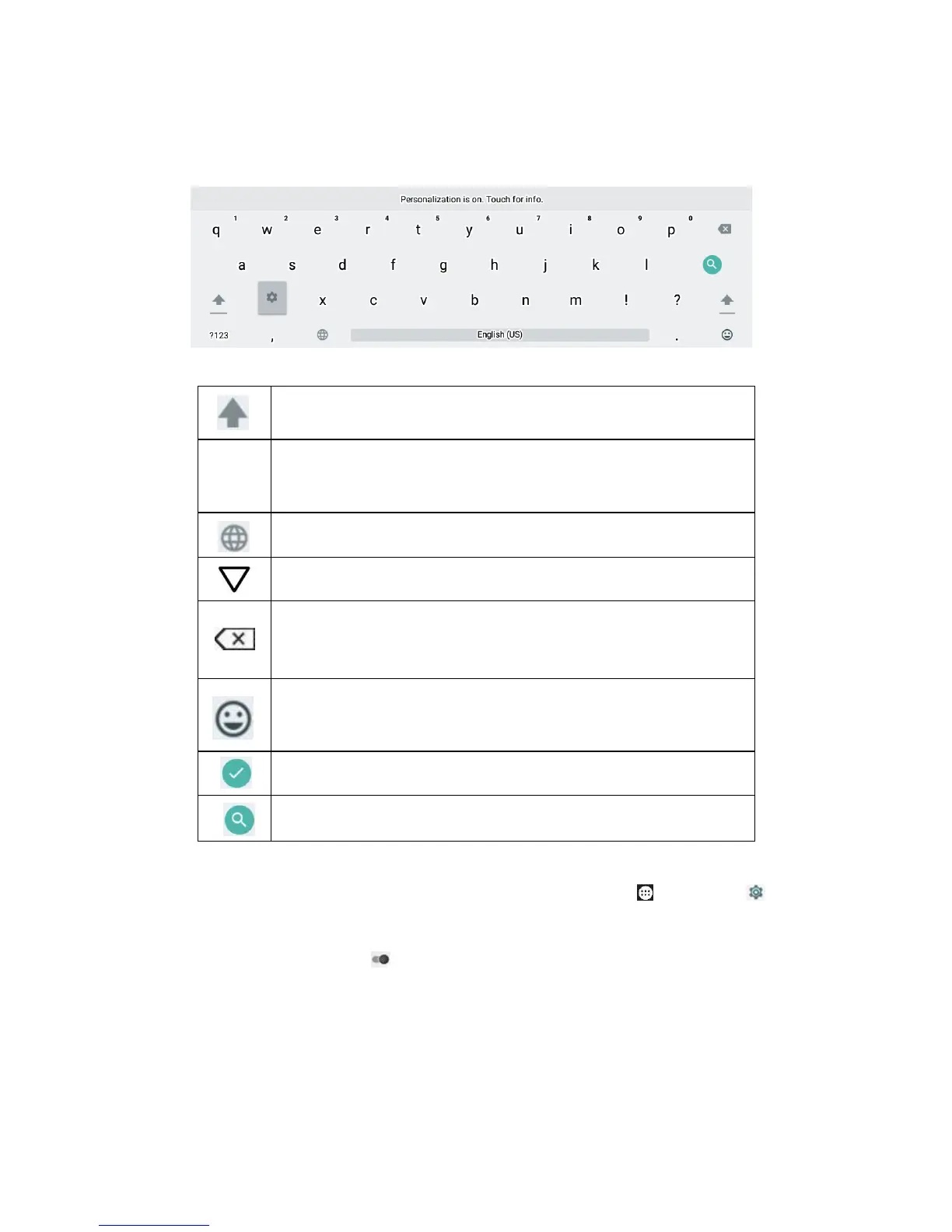
Keyboard is automatically open when text or numbers in need.
Switch between uppercase and lowercase letters.
Switch to between number and symbol mode. Tap ABC
to open the standard keyboard.
Change the keyboard language.
Delete a character. Tap and hold to delete all
characters.
Open the emoji keyboard. Tap ABC to open the
standard keyboard.
Confirm that you are finished entering information.
Search for the input text.
To change Google™ keyboard language, tap Apps >
Settings > Language & Input > Google keyboard >
Languages, drag to disable Use system language, and
enable other language.



 To Next Page