9
A range of between 0 and 3°C can be selected.
06) Heat pump protection: keep this function set to 0 by default.
07) Restore settings: Press the + or - buttons; 88 will appear on the display.
Wait until the device exits the settings menu. All settings will be returned to their
defaults and any programming performed will be lost.
08) Open window function: The device is tted with a lock system to stop the
heating in the event of a sudden fall in temperature, due presumably to an open
window or similar. Select 1 to activate this system, or 0 to deactivate it.
09) Open window detection time: Detection time in which the drop in temperature
will activate the open window lock function. Choose between 2 and 30 minutes.
10) Open window temperature drop: Temperature drop in degrees centigrade,
within the detection time, required to activate the open window lock function.
Select a value between 2°C and 4°C.
11) Return to normal operation: This setting determines how long the appliance
should wait before returning to normal operation after activation of the lock func-
tion. Select a value between 10 and 60 minutes.
12) Software Version
POSITIONING THE APPLIANCE
Connect the thermostat to a power socket.
Once the various programming and temperature settings have been made, con-
nect the heater directly to the thermostat.
TECHNICAL DATA
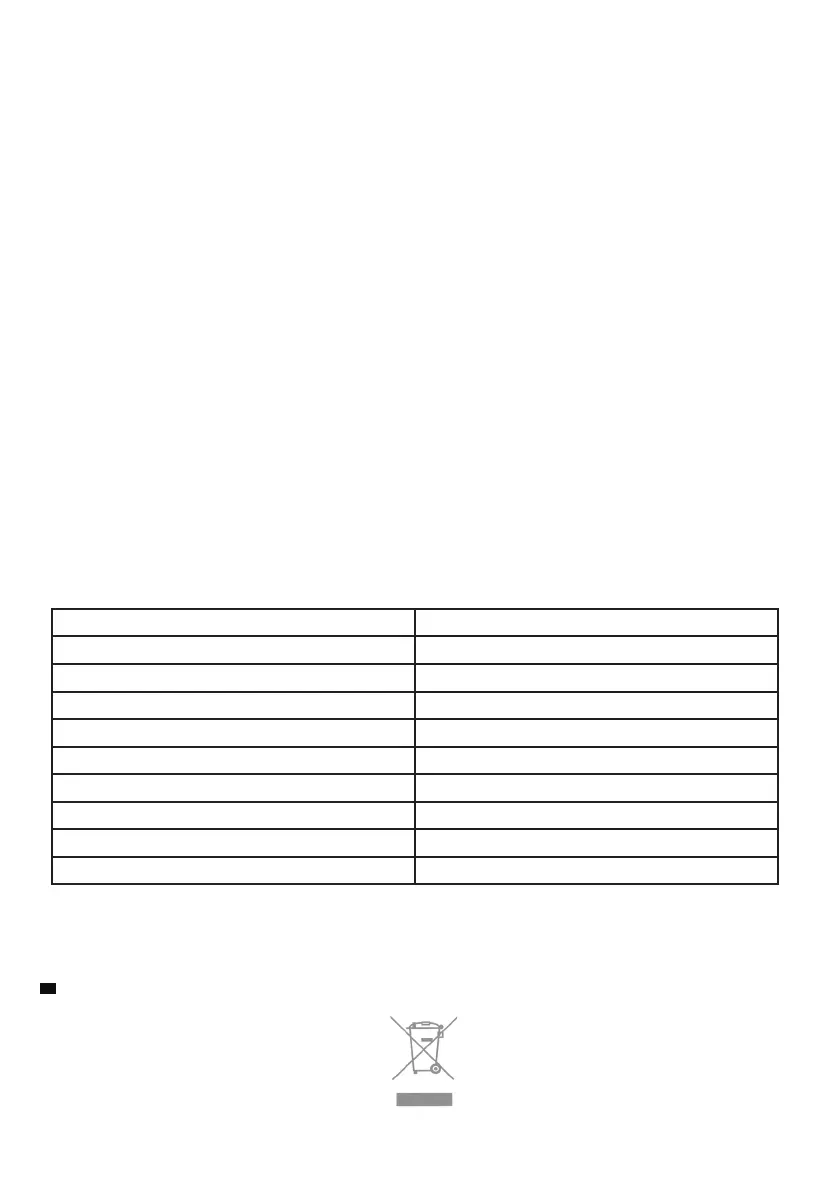
Thermostat Supply Voltage 230V
Backup Memory EEPROM
Maximum capacity 3600W/16 A
Switching options 24 hours per day, 7 days per week
Temperature settings 5°C - 30°C, 0.5°C increments
Accuracy +/- 0.5°C (+/- 1°F)
Thermostat size 70x41.5x140 mm
Colour White
IP protection rating 20
Certication CE
EN IMPORTANT
This product conforms to EU Directive 2002/96/EC.
This appliance bears the symbol of the barred waste bin. This indicates that, at the end of its useful life, it must not be disposed of as domestic waste,
but must be taken to a collection centre for waste electrical and electronic equipment, or returned to a retailer on purchase of a replacement.
It is the user’s responsibility to dispose of this appliance through the appropriate channels at the end of its useful life. Failure to do so may incur the
penalties established by laws governing waste disposal.
Proper differential collection, and the subsequent recycling, processing and environmentally compatible disposal of waste equipment avoids unneces-
sary damage to the environment and possible related health risks, and also promotes recycling of the materials used in the appliance.
For further information on waste collection and disposal, contact your local waste disposal service, or the shop from which you purchased the appliance.
Manufacturers and importers full their responsibilities for recycling, processing and environmentally compatible disposal either directly or by participat-
ing in collective systems.


 To Next Page
 Loading...