Panel Heater - English manual 8
EN
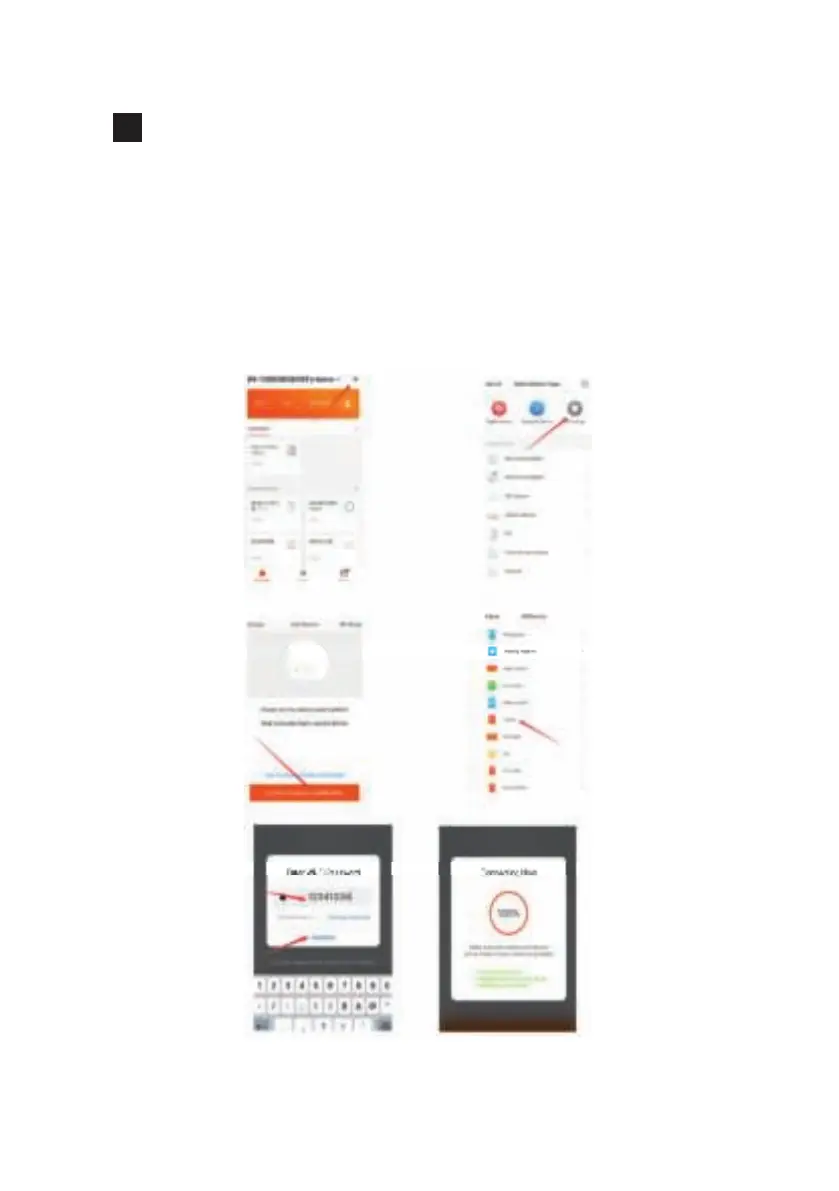
A) Press “+” in the top right corner, as shown in picture 2.
B) Choose “All Devices” as shown in picture 3.
C) Choose “Heater”, as shown in picture 4.
D) Press the “confi rm indicator rapidly blinks” when the indicating light
on the device rapidly blinks, as shown in picture 5.
E) Input password of WIFI and then confi rm, as shown in picture 6.
F) Wait for the APP to connect with the device until it is connected
successfully as shown in picture 7.
1 2
3 4
5 6


 To Next Page