3. In heart rate/blood pressure page, long touch the function key to
start the measurement. The result will be displayed for 50s, and
then the screen will be turned off automatically.
Install the band APP on the phone
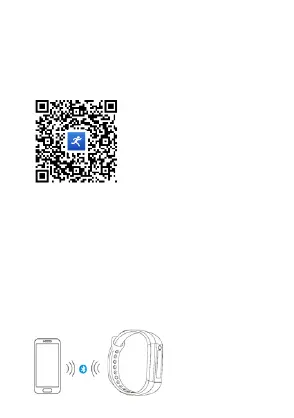
To download and install "Yoho Sports", please scan the QR code
below, or search in the APP Store.
System Requirements: Android 5.0 and above; iOS9.0 and
above; Wireless 4.0 support.
Bundle the band to APP
For the first time using the band, please connect it to the APP to
calibrate the time and date, otherwise the pedometer and sleeping
monitor will not be accurate. The band will automatically be
synchronized when successfully connected.
Open the app and click the settings icon
My device
Pull down to scan device
Click on the device
band to APP


 To Next Page