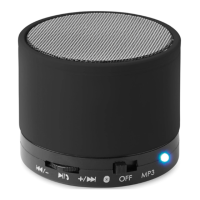
MO9608
EN
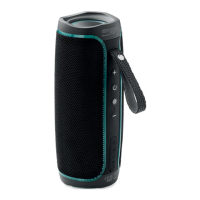
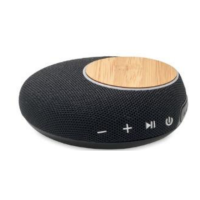
3W speaker to amplify the sound of any type of audio media.
Wireless connection of devices with Wireless ® technology
(smartphone, tablets, computers). Auxiliary jack (mini USB type) to
connect any external audio equipment. Radio and audio player /
MP3 integrated. Direct reading of micro SD / TF cards via the TF
card port. Microphone (allows the use of a mobile in hands - free
mode). Recharges via USB (cable included).
•
Multifunction button
•
ON/OFF button
•
LED indicator
•
Microphone
•
SD/TF card slot
•
'AUX’IN /DC IN 5V
Button description
•
Play / Pause
•
in TF mode: press and release the button: Play / Pause
•
in wireless connection mode: press and release the button
•
While music is playing: Play / Pause
•
Call: Answer/End .Press and hold for 2 seconds: reject calls.
• +/ Next / VOL+
•
Push in the direction of the arrow and release: in TF and
wireless connection mode the next track is played. This button
does not work in ‘AUX’ mode.
•
Push in the direction of the arrow and hold: increase volume.
•
/ - Back / VOL-
•
Push in the direction of the arrow and release: in TF and
wireless connection mode, the previous track is played. This
button does not work in ‘AUX’ mode.
•
Push in the direction of the arrow and hold: decrease volume.
•
ON / OFF button: to turn the speaker on or off
•
: Speaker is in wireless connection mode
•
MP3: Speaker is in MP3/TF/RADIO mode


 To Next Page