Turn the dispenser upside-down. Insert the locking key into the
battery cover and turn clockwise.
Remove the battery door.
Insert four (4) AA alkaline batteries inside the compartment.
Replace the battery cover. Insert the key into the cover and turn
counterclockwise to lock.
1.
2.
3.
4.
NOTE: Replace batteries if the low battery symbol appears.
Batteries are installed as backup power in case of power outages. The
device will stay on for approximately (4) days when powered by batteries.
8
Installing the Batteries
Locking and Unlocking the Cover
The cover lock helps prevents accidental spills and unauthorized access,
and can also help with confused patients who may try to take
medication incorrectly.
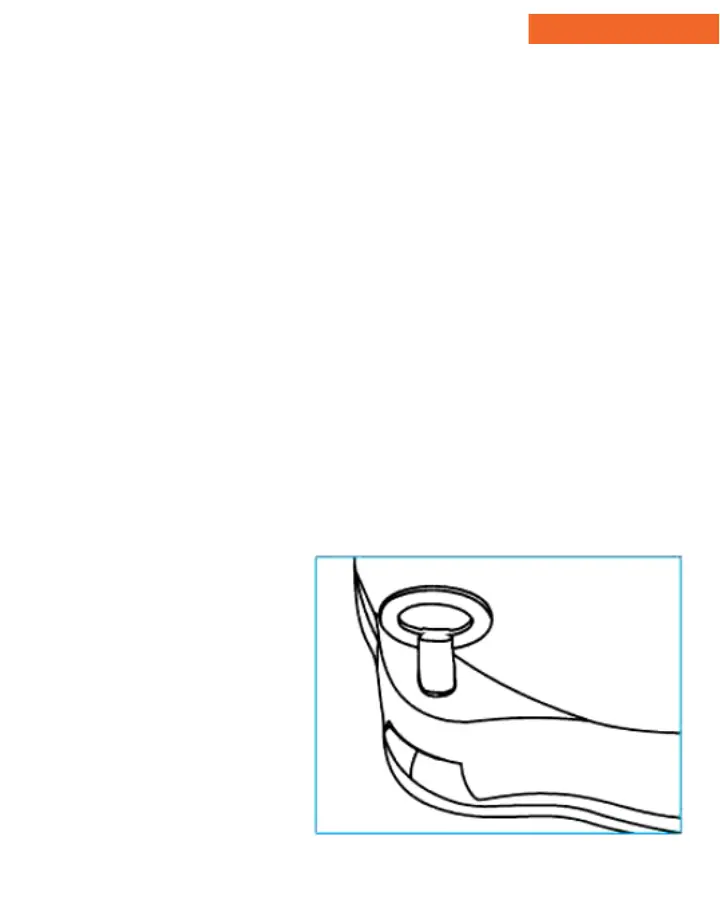
Align the locking key with
the lock hole (as shown.)
To lock; turn the key
clockwise while pressing
down on the cover latch.
To unlock; Turn the key
counterclockwise.
Lift the cover open using
the cover latch.
1.
2.
3.
4.
Device Setup


 To Next Page