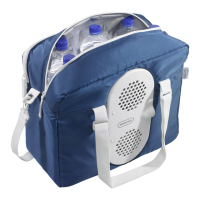
Operation Mobicool AC/DC
10
Coolers with the additional heating feature
➤ Push the switch on the control panel to HOT or COLD to switch the cooler
on.
✓ The indicators on the control panel show you the operating mode:
✓ The cooler starts cooling/heating the interior.
➤ To switch off the cooler,
– push the switch on the control panel from HOT or COLD to the OFF
position,
– disconnect the plug.
6.3 Using the cooler in AC mode
➤ Place the cooler on a firm base.
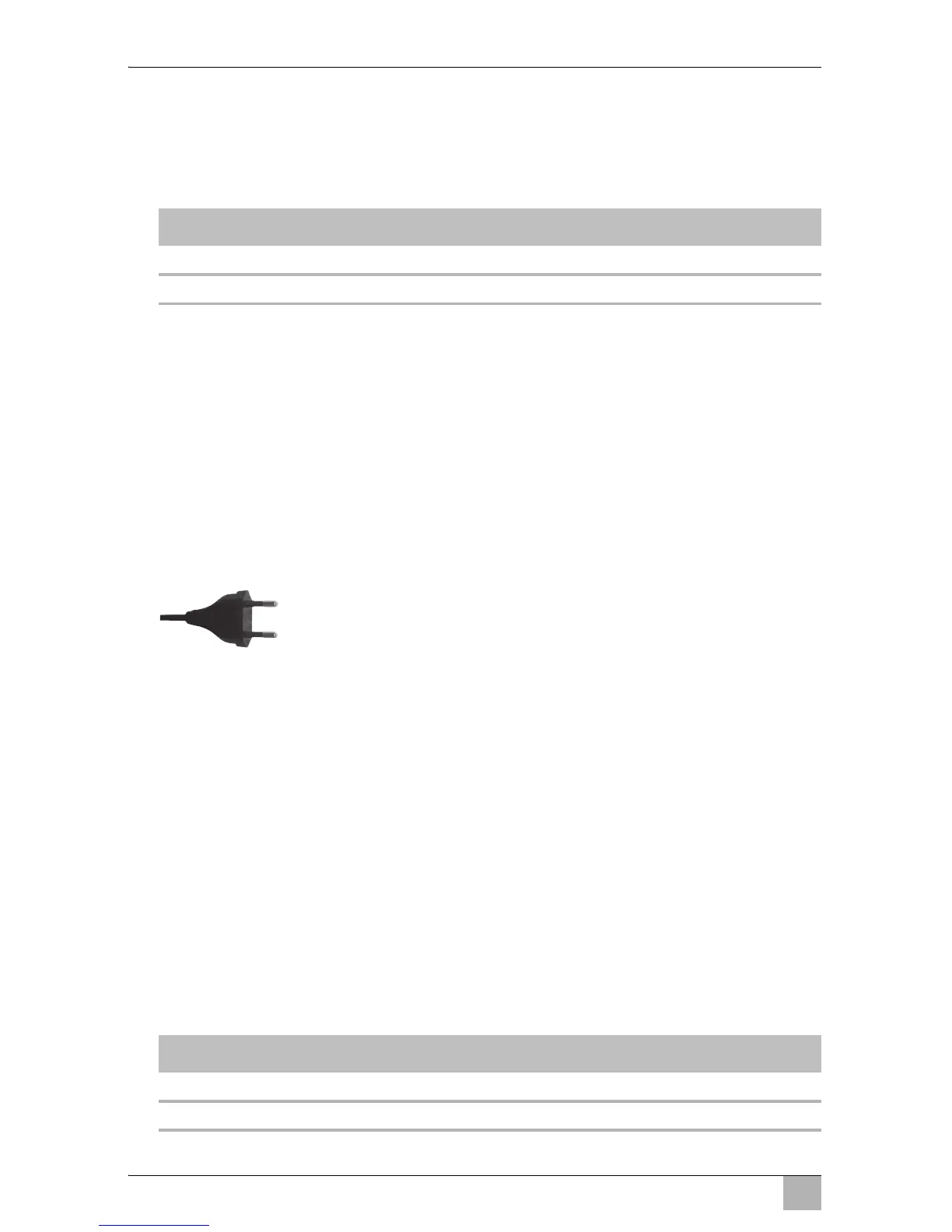
➤ Connect the 230 V connection cable to the AC mains.
➤ Turn the cooling capacity control to the desired position.
➤ For the additional ABS feature: Switch the battery monitor off (OFF
position).
Coolers without the additional heating feature
✓ The cooler starts cooling the interior.
➤ To switch off the cooler, turn the cooling capacity control to the OFF
position.
Coolers with the additional heating feature
➤ Push the switch on the control panel to HOT or COLD to switch the cooler
on.
✓ The indicators on the control panel show you the operating mode:
Operating display Operating mode
Red Heating
Green Cooling
Operating display Operating mode
Red Heating
Green Cooling


 To Next Page
 Loading...