- 6 -
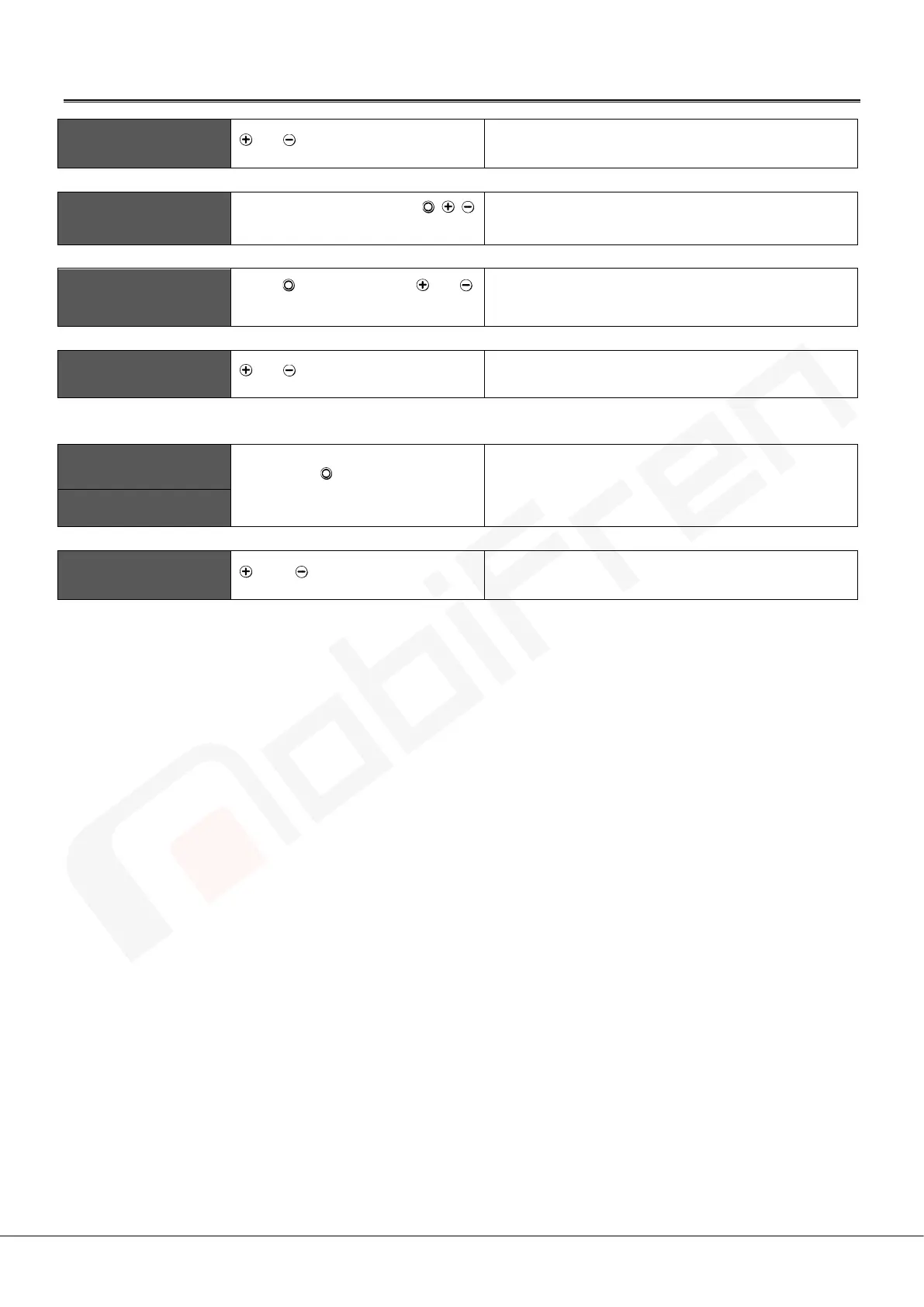
Operating App functions with earphone
TTS caller ID
or Press volume button
Short press for 1 times (when the bell rings)
TTS(Stop during TTS)
Press any button among / /
buttons
Press any button Short press for 1 times
(during message TTS)
TTS(Manual TTS play)
Press MFB + Volume or
at the same time.
Short press
Camera remote
control
or Press volume button
Short press at standby
※ You need to download additional camera application.
Hot call ( prompt call )
Press MFB button for 2 times
shortly.
Short press for 2 times (at standby)
Last Call (Direct call)
Find my mobile
phone
and at the same time
Press for 1 second



 To Next Page