
 Need help?
Do you have a question about the Mobile Devices C4DONGLE-3GNAV6 and is the answer not in the manual?
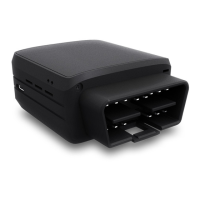
Details the external components and connectors of the device.
Illustrates the internal components, including antennas and SIM holder.
Lists the pin assignments and functions for the OBD-II connector.
Details the wire color coding for the OBD adapter cable.
Step-by-step guide on opening the device to insert a SIM card.
Instructions for correctly reassembling the device after SIM insertion.
Connects the dongle to the vehicle's OBD connector for operation.
Explains the meaning of different LED light patterns for device status.
Contact information for assistance with the installation guide or device.
Device compliance with FCC Rules, including interference guidelines.
Details radio frequency (RF) energy exposure limits and SAR compliance.
Canadian compliance notice regarding radio interference and operation.
Canadian SAR compliance and installation guidelines for safe operation.
 General
| Brand | Mobile Devices |
|---|---|
| Model | C4DONGLE-3GNAV6 |
| Category | Adapter |
| Language | English |

 To Next Page