Need help?
Do you have a question about the MOBIWIRE Homephone 4G and is the answer not in the manual?
Instructions on removing the battery cover and inserting a MicroSIM card, with a note on NanoSIM adapters.
Guide to placing the battery correctly after removing the cover and then replacing the cover.
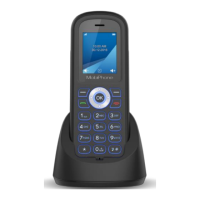
Instructions on how to charge the phone by placing it on its designated cradle.
Details on how to power on the phone by pressing and holding the red key.
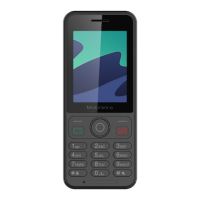
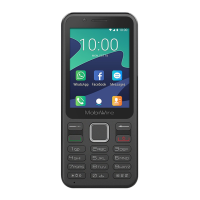
Explanation of the phone's keyboard layout, including navigation pad and key functions.
How to check the battery status via the icon and understanding low charge notifications.
Instructions on initiating a call by dialing a number or selecting a contact from the Phone app.
Steps to access and view the phone's call history, including call details.
Guide to composing and sending text messages (SMS) on the phone.
Instructions on how to create and save new contacts to the phone's contact list.
Steps to set up and access your voicemail service on the phone.
How to enable and disable the speakerphone function during a call.
Instructions on plugging in earphones and using the inline controls to manage calls.
Methods for locking the phone using the lock button and unlocking it.
Guide to navigating settings to select and change the phone's display language.
Instructions on how to select and apply a ringtone for incoming calls.
Steps to change the phone's wallpaper by selecting images from gallery or pre-set options.
Procedure for performing a factory reset to restore the phone to its default settings.
 General
| Brand | MOBIWIRE |
|---|---|
| Model | Homephone 4G |
| Category | Cell Phone |
| Language | English |

 To Next Page