7
@hello_mockingbird
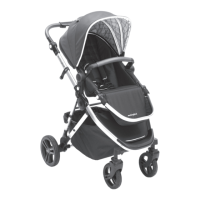
Insert the pins located on the ends of the child bar into the
housing located on the left / right side of the seat frame. The
child bar “CLICKS” on both sides once it is in a fully locked
position. To remove, press the white buttons located just below
either side of the child bar.
Attach the child bar
5
Done!
Great job! Look at you, mastering this
whole parenting thing.
Now grab the other guide to learn how everything works!
For a visual step-by-step guide,
reference our instructional video online.
Scan the QR code or visit
hellomockingbird.com/single-setup.



 To Next Page