www.modecom.eu
2
GB
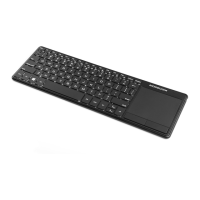
WIRELESS KEYBOARD WITH
TOUCHPAD MC-TPK1 2.4 GHz
User’s guide
ATTENTION:
Due to safety reasons, please read the following
instruction before installing and using MC-TPK1
keyboard.
Installation and startup:
To properly install and run the MC-TPK1 keyboard
you should:
1. Turn the keyboard upside down, open the lid
and remove the 2.4 GHz Nano receiver.
2. Insert two AAA batteries as indicated in the
chamber and shown in the picture above. Close the
cover.
Warning:
For safety reasons, please pay attention to the
correct installation of positive and negative poles of
the battery. To avoid leakage or explosion, do not
mix dierent types of batteries and wasted batteries


 To Next Page