EasyManua.ls Logo

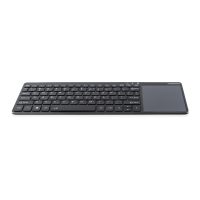
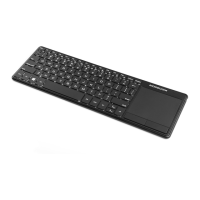
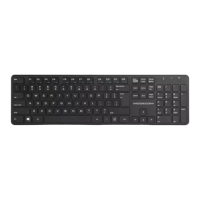
Modecom MC-TPK1 - Fn+F5 Search; Fn+F6 Share; Fn+F7 Switch Screens; Fn+F8 Settings

Modecom MC-TPK1
88 pages
Print Icon
To Next Page IconTo Next Page
To Previous Page IconTo Previous Page
Loading...
5
Search
Share
switching bet
-
ween screens
Settings
Home
End
Page Up
Page Down
The touch panel functions:
Touch panel of MC-TPK1 keyboard can be turned
on or o󰀨 by using the combination of Fn key and
space key.
When you turn on the touch panel you can use it
for typical mouse functions:
One nger click – left mouse
Drag: One nger clicks twice
Two nger click – right mouse

Related product manuals