treatment. However, there are some matters that are recommended to care your washing machine so
- Clean the cabinet of the washing machine regularly with a soft cloth and
wet. Then dry with a soft and dry cloth.
- Clean up all the rubber doors and door part of the washing machine
after each washing with a soft, dry cloth.
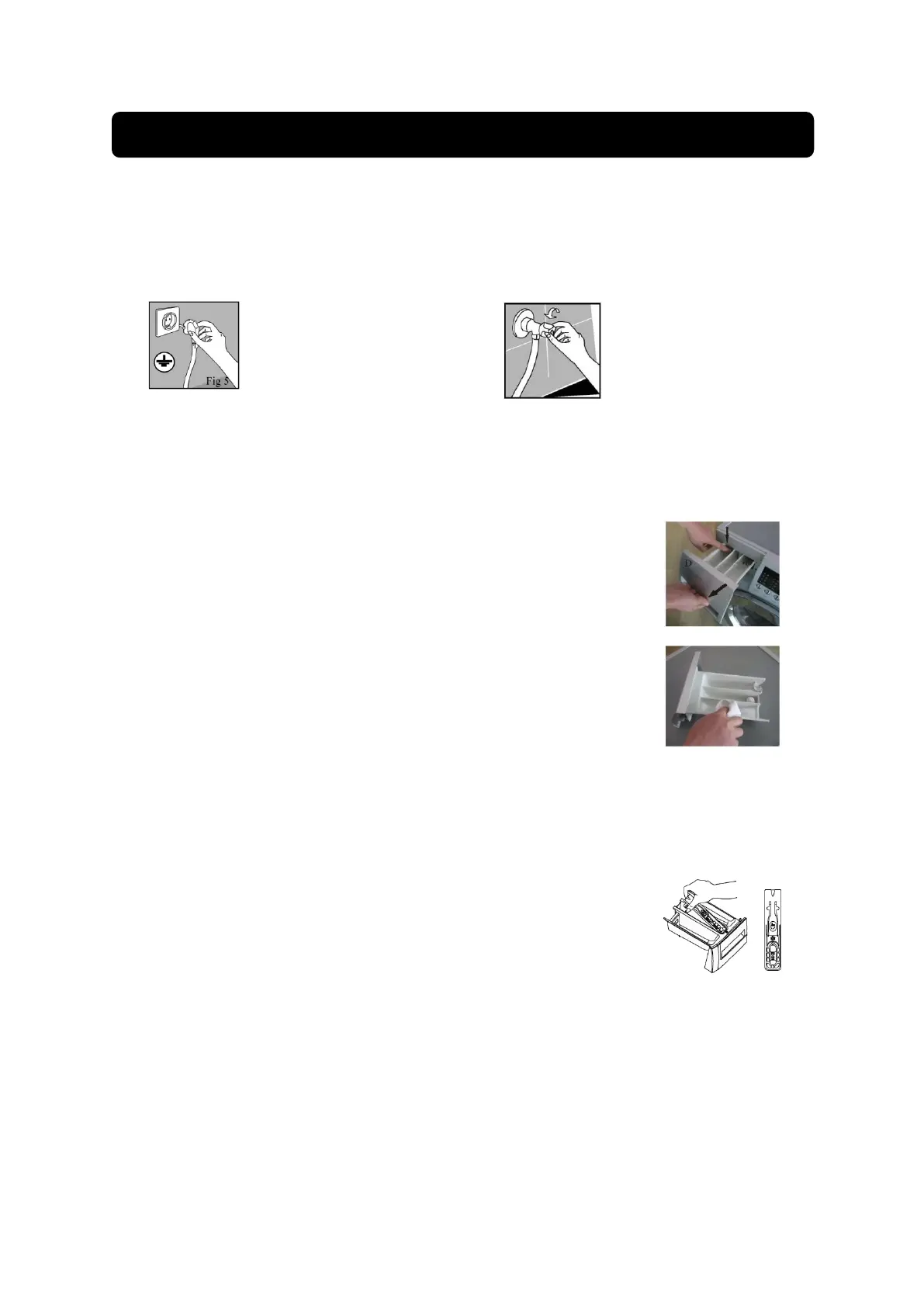
- Clean the detergent drawer if there is a pile of
powder detergent in the drawer
- To clean it, remove the detergent drawer out of its
place by pressing the hook and pull the drawer
together from its place (a strong pull is required in
order to pass through the stopper).
- Clean the drawers by putting them under water
spray then clean it with a dry cloth. Do not use
solvents to clean.
Note:
If more than normal amount of water and softener
mixture starts to gather in the softener compartment,
the siphon must be cleaned
- Wash the detergent drawer and the siphon with
plenty of lukewarm water in a washbasin. Wear
protective gloves or use an appropriate brush to
avoid touching of the residues in the drawer with
your skin when cleaning.
- Insert the drawer back into its place after
cleaning and make sure that it is seated well.
- If your detergent drawer is the one indicated in
the following figure:
Note: Lift the rear part of the siphon to remove it as
illustrated. After performing the above mentioned
cleaning procedures, replace the siphon back to its
seating and push its front section downwards to make
sure that the locking tab engages.


 To Next Page
 Loading...