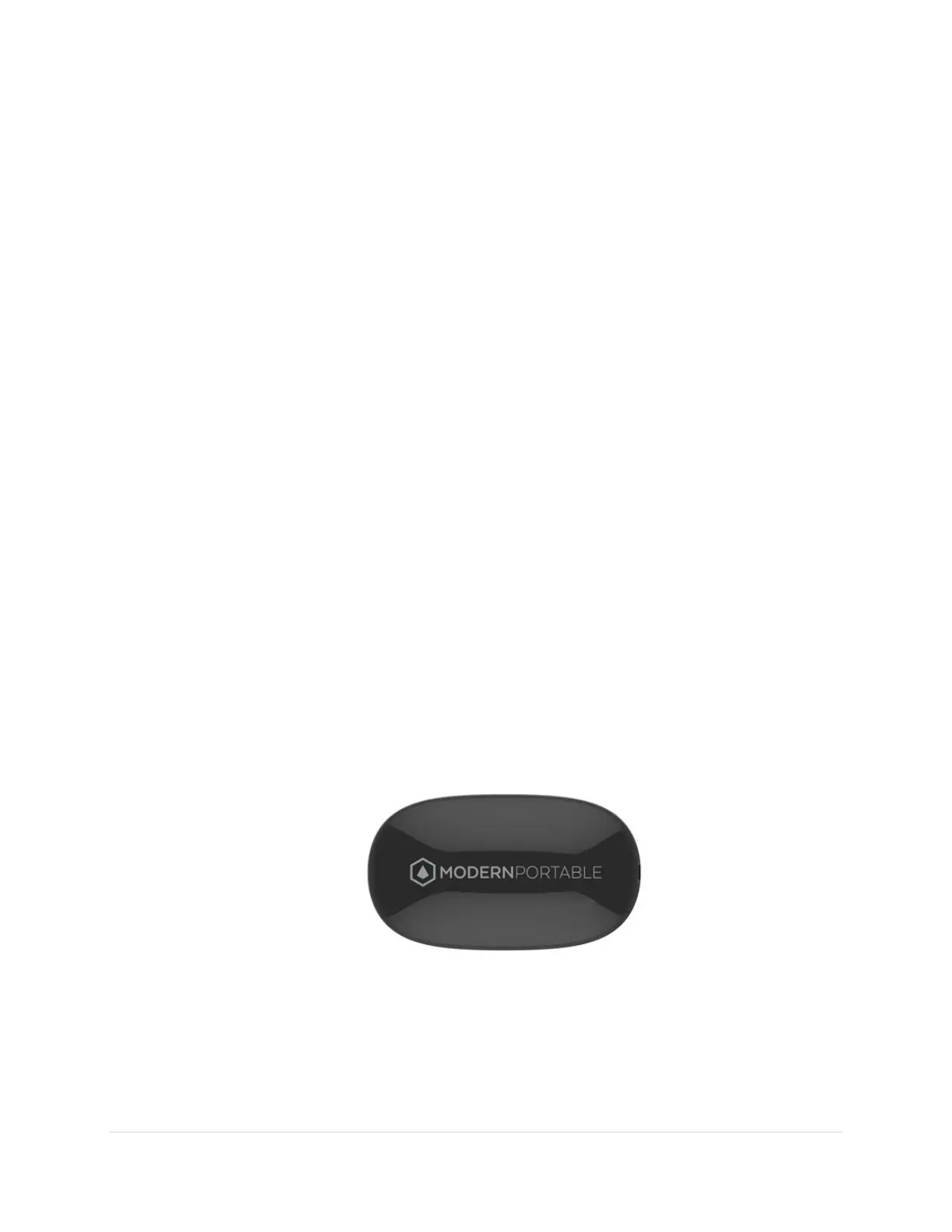
How To Charge Your Rock PLUS
A steady red light indicates that your Rock PLUS is charging
properly. The indicator LED light is located on the bottom of
the Rock PLUS. Charging time normally takes approximately
4.5 to 5 hours.
• Plug the Micro USB cable into the Rock PLUS Micro USB
input port (this is above the standard USB port)
• Insert the other end of the USB cable into either an AC wall
adaptor plugged into a wall electrical socket (Not included
but the same adapter you would normally use to charge your
smart phone) or a USB port on your laptop or computer.
4 | Page


 To Next Page