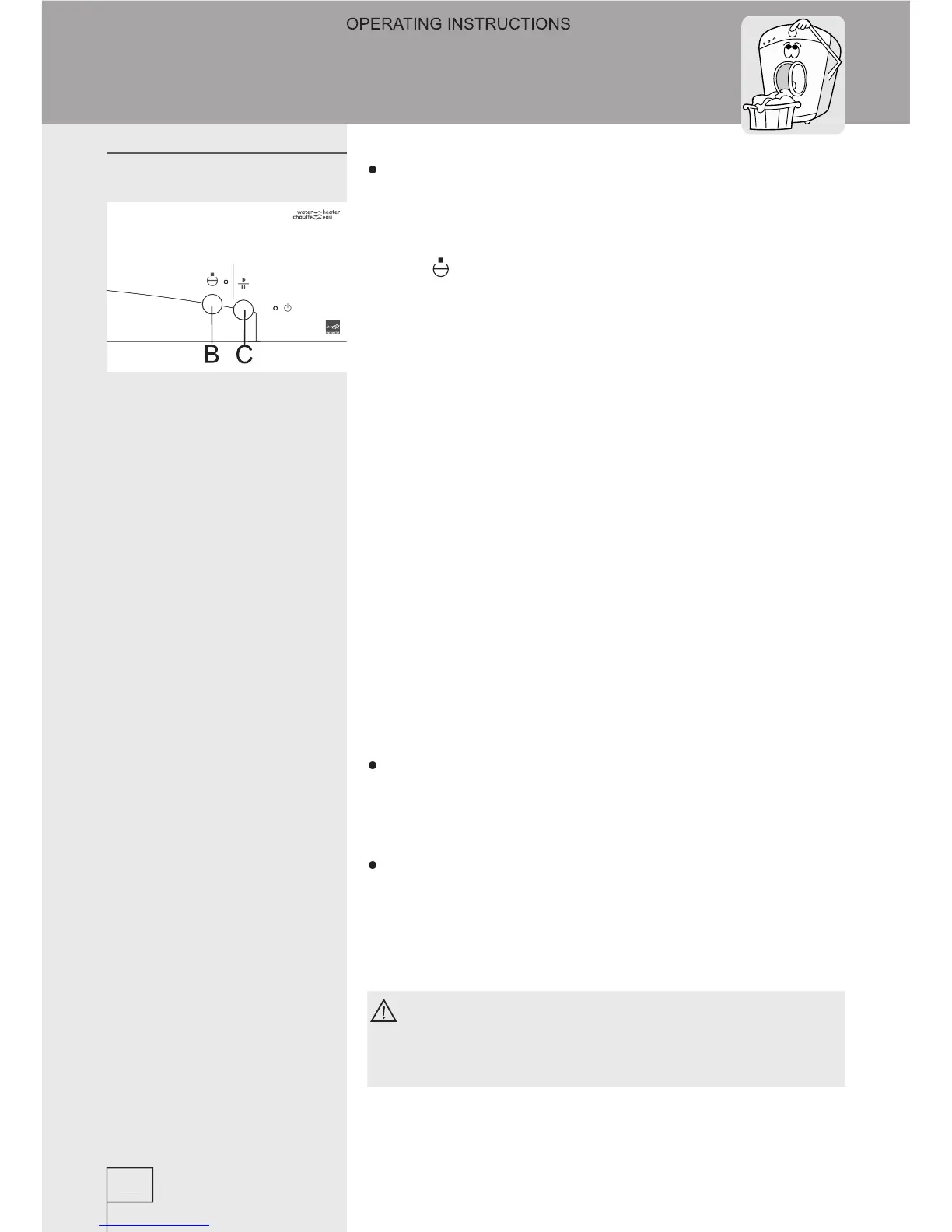
Selecting Pump stop function
Program is stopped when it comes to the ‘PUMP
stage (if this function had been previously
selected). Drum door remains closed all the time.
Indicator LED above the ‘Pump stop’ function
starts ashing. Washing procedure is continued by
pressing the START knob (C).
Own (physical) interruption
You may also stop the program by turning the
program selector to the position “0”. If there is
water in the drum select one of additional programs
(pumping, spinning) to empty the water and
By pressing the PAUSE knob (C) program may
be suspended at any time. After certain time you
may open the door if there is no water in the drum,
otherwise this is not possible. Program is continued
by pressing the START knob (C).
Program is suspended in case a failure occurs.
Signal LED’s are ashing (see Troubleshooting).
If a power failure occurs the washing program is
interrupted, and when the power is restored the
program is automatically resumed where it had
If a power failure occurs when the drum is
still full of water, be careful not to open the
door before you pump the water out.



 To Next Page