LEARN
BEFORE
YOU
RETURN!
IT
IS
VERY IMPORTANT
TO
FOLLOW THE INSTRUCTIONS BELOW
TO
BE SURE
YOU
RECEIVE
THE MAXIMUM NUMBER
OF
TV STATIONS. ANY QUESTIONS, CALL 1-855-4-GOMOHU.
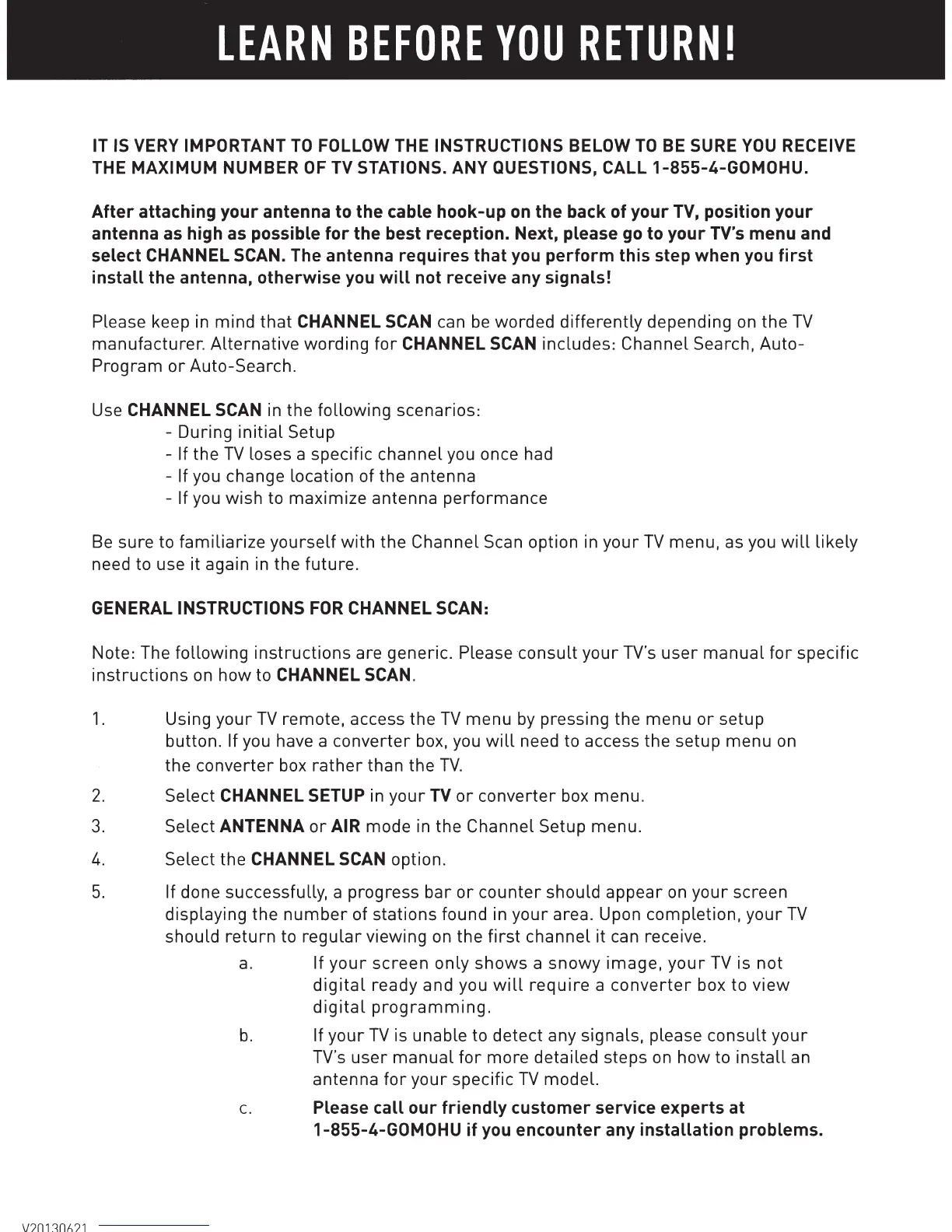
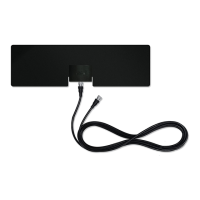
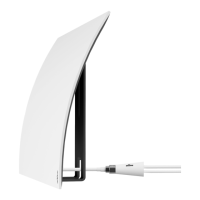
After
attaching
your
antenna
to
the
cable
hook-up
on
the
back
of
your
TV,
position
your
antenna
as
high
as
possible
for
the
best
reception.
Next,
please
go
to
your
TV's
menu
and
select
CHANNEL SCAN. The
antenna
requires
that
you
perform
this
step
when
you
first
install
the
antenna,
otherwise
you
will
not
receive
any
signals!
Please keep in
mind
that
CHANNEL SCAN can
be
worded
differently
depending on
the
TV
manufacturer.
Alternative
wording
for
CHANNEL SCAN
includes:
Channel Search,
Auto-
Program
or
Auto-Search.
Use CHANNEL SCAN in the
following
scenarios:
- During
initial
Setup
- If
the
TV
loses a specific
channel
you once had
- If you change location of the antenna
- If you wish to
maximize
antenna
performance
Be
sure to
familiarize
yourself
with
the Channel Scan option in
your
TV
menu, as you
will
likely
need to use
it
again in the
future.
GENERAL INSTRUCTIONS
FOR
CHANNEL SCAN:
Note: The
following
instructions
are generic. Please
consult
your
TV's
user
manual
for
specific
instructions
on
how
to CHANNEL SCAN.
1.
Using
your
TV
remote, access the
TV
menu
by
pressing the
menu
or
setup
button. If you have a
converter
box, you
will
need to access the setup
menu
on
the
converter
box
rather
than the
TV.
2.
Select CHANNEL SETUP in
your
TV
or
converter
box menu.
3.
Select ANTENNA
or
AIR mode in the Channel Setup menu.
4.
Select the CHANNEL SCAN option.
5.
If done successfully, a progress
bar
or
counter
should
appear
on
your
screen
displaying the
number
of
stations
found in
your
area. Upon completion,
your
TV
should
return
to
regular
viewing on
the
first
channel
it can receive.
a.
If
your
screen
only
shows
a
snowy
image,
your
TV
is
not
digital
ready and you
will
require
a
converter
box to
view
digital
programming.
b.
If
your
TV
is unable to detect any signals, please
consult
your
TV's
user
manual
for
more
detailed steps on
how
to
install
an
antenna
for
your
specific
TV
model.
c.
Please
call
our
friendly
customer
service
experts
at
1-855-4-GOMOHU
if
you
encounter
any
installation
problems.


 To Previous Page