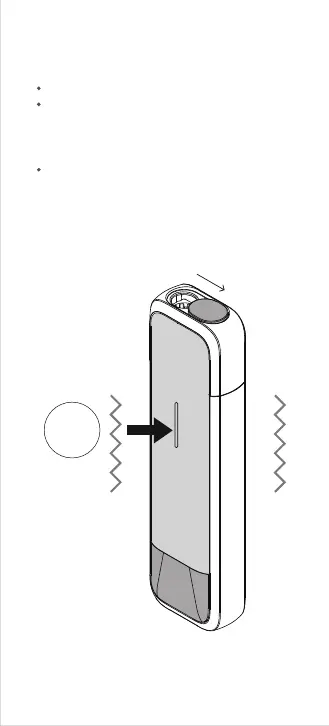
I-2. Unlock the device
Click 5
times
Open the sliding cover on top of the device.
If the LED light does not turn on and clicking
the hidden button (beneath the LED light)
fails to turn on the LED light, this indicates the
device is in LOCKED mode (child lock).
Click the button 5 times in rapid succession to
unlock the device. The device will respond
with a long haptic vibration feedback.



 To Next Page