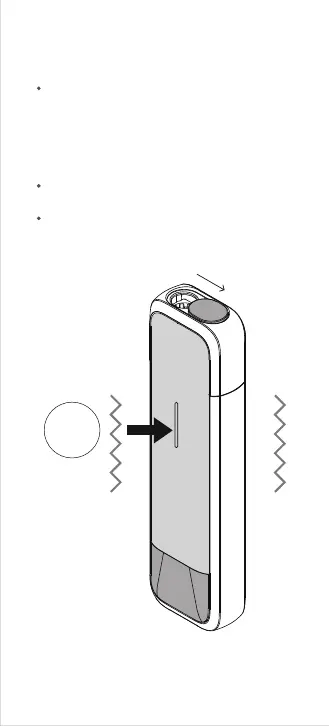
I-3. Lock the device
Click 5
times
Keep the cover opened, and the device is in
UNLOCKED mode without heating. Click the
button 5 times in rapid succession to lock the
device. The device will respond with a long
haptic vibration feedback indicating it is now
locked.
In LOCKED mode, heating or any other
function is unavailable.
Secure the device in locked mode for safe
storage if you will not be using it for extended
periods of time.



 To Next Page