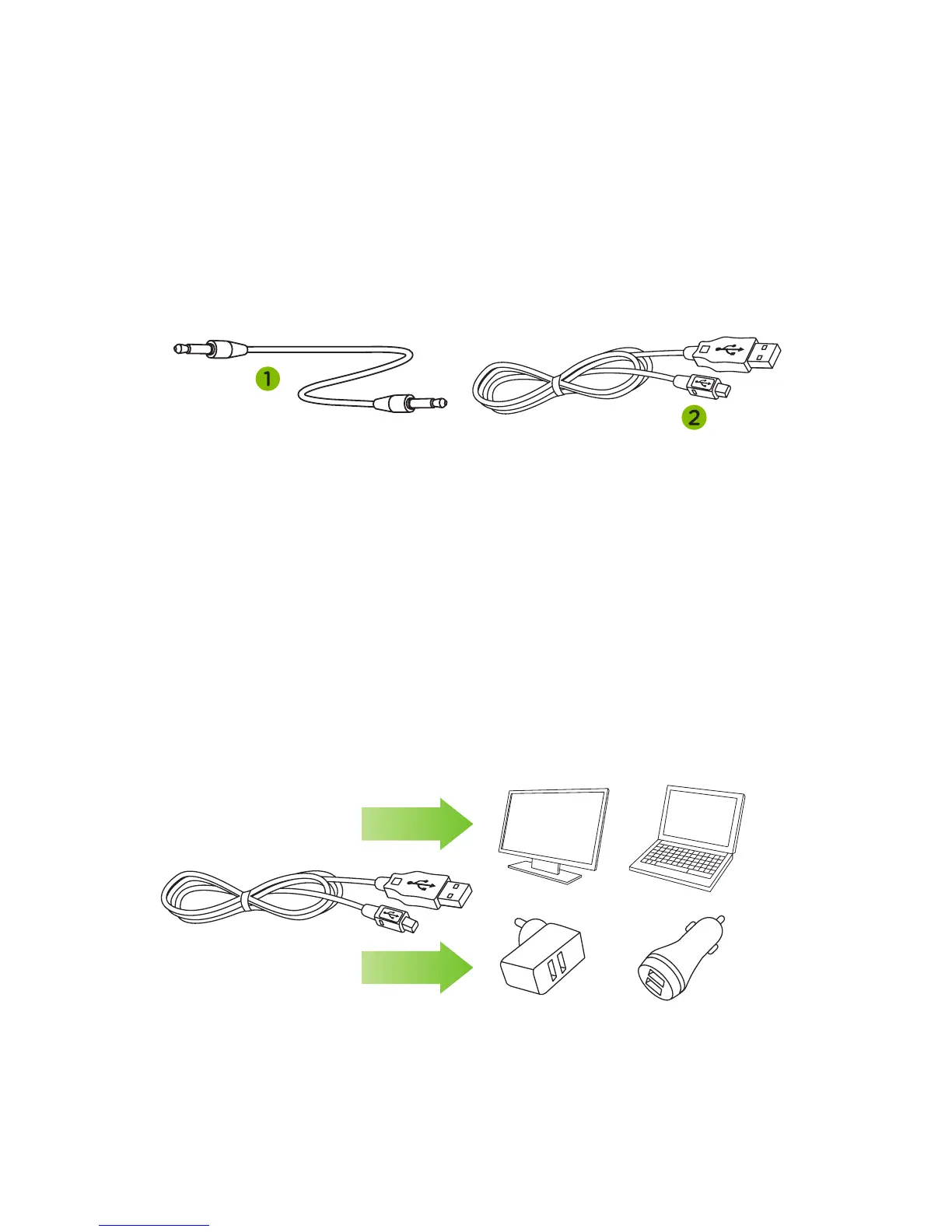
CABLE FEATURES
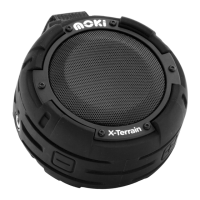
RECHARGE
1. Play Music - 3.5 mm - 3.5 mm cable -
attach to AUX-IN and play device.
2. Recharge - attach MicroUSB to AquaBass
for recharge.
• Insert mini USB plug into AquaBass.
• Insert standard USB plug into a port on
PC / laptop or USB wall / car adaptor
(not included). Charge approximately 3 hrs.
• LED will glow red when battery is recharging.
• When battery reaches full capacity LED will
turn o.
Note: After recharging ensure the port cover is
securely closed.


 To Next Page