08
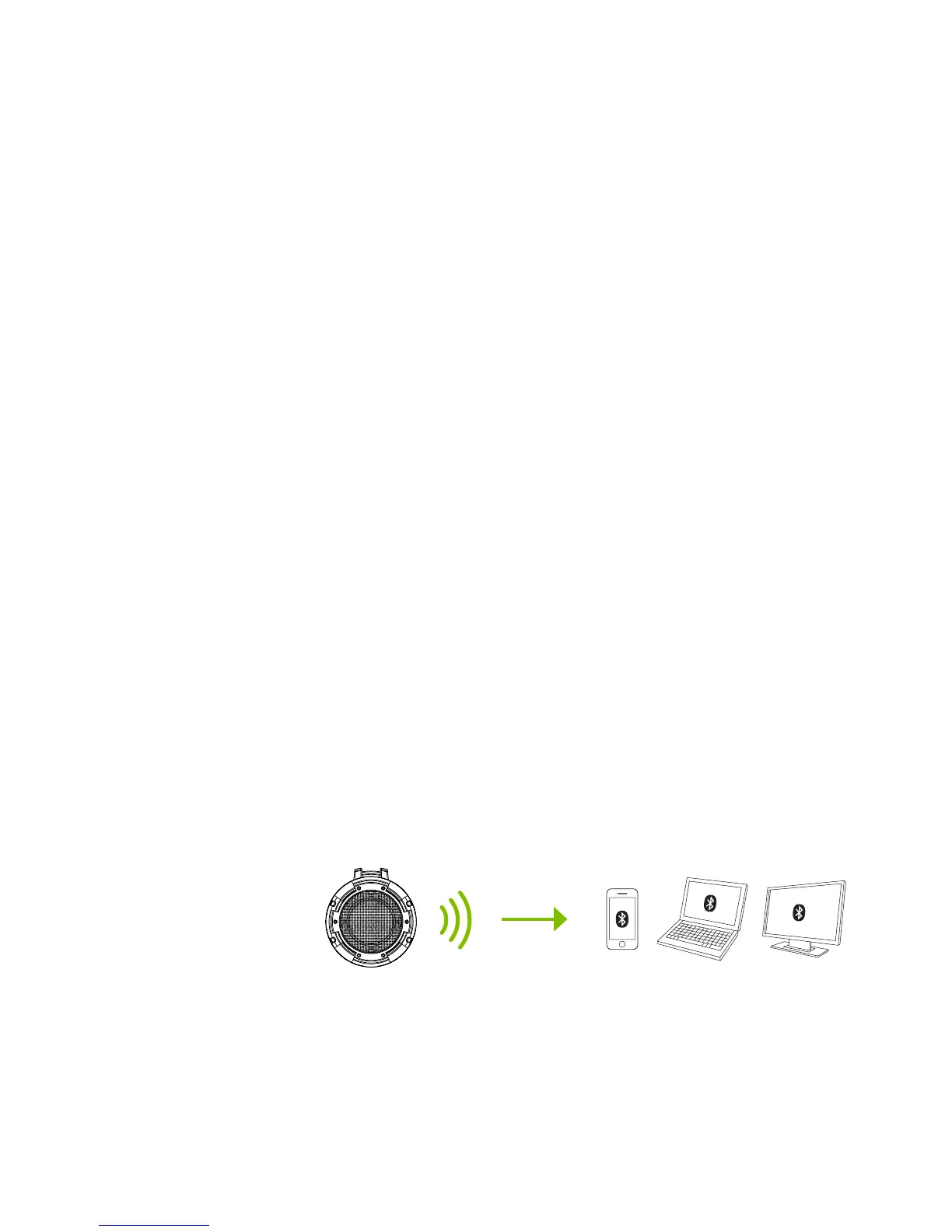
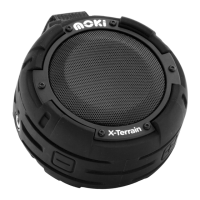
1) To play audio wirelessly, the X-Terrain must be
paired with a Bluetooth enabled play device.
2) With NO cable connected, turn on the X-Terrain
- it will automatically enter pairing mode (LED will
blink RED / BLUE).
3) On your play device, turn Bluetooth ON and
“Scan for devices” if required.
4) Select “Moki X-Terrain” which should appear
under “Avaliable devices”.
5) Once selected, pairing will start and the LED
will flash RED / BLUE. When pairing is successful,
the LED will glow solid BLUE.
PAIR TO
BLUETOOTH
Note:
The X-Terrain will scan for new Bluetooth devices or will reconnect
to the last paired device if it is close by. You may be required to
enter passkey “0000” if requested depending on the Bluetooth
version of your device.


 To Next Page