
 Need help?
Do you have a question about the Momentum Meri and is the answer not in the manual?
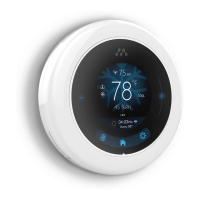
Show current room temperature
Toggle the scheduled temperature ranges
Off, Heat, Cool, Auto, Emergency
Controls the start and stop time intervals of the compressor
User can preset a temperature range to start at a certain time and day(s).
Energy saving mode when you're away from home
Selection of heat/ cool/ auto/ emer/ off options
WiFi connectivity
 General
| Brand | Momentum |
|---|---|
| Model | Meri |
| Category | Thermostat |
| Language | English |

 To Next Page
