9
English
3 Connections
Prior to making or changing any connections,
switch off the DPR-10 and the units to be con-
nected.
1) Use an RCA cable to connect the jacks OUT-
PUT to a line level input, e. g. of a mixer or
amplifier (L = left channel, R = right chan-
nel).
2) For MP3 recordings, connect an audio unit
with line level output (e. g. CD player, mixer)
to the jacks AUX INPUT.
3) For power supply, a regulated 12 V power
supply unit with a rating of 400 mA and
with a low-voltage plug of 5.5 / 2.1 mm
(outside / inside diameter) is required (e. g.
PSS-1205DC from MONACOR). Connect
the power supply unit to the jack 12 V⎓:
Make sure to connect the positive pole to
the centre contact!
4 Operation
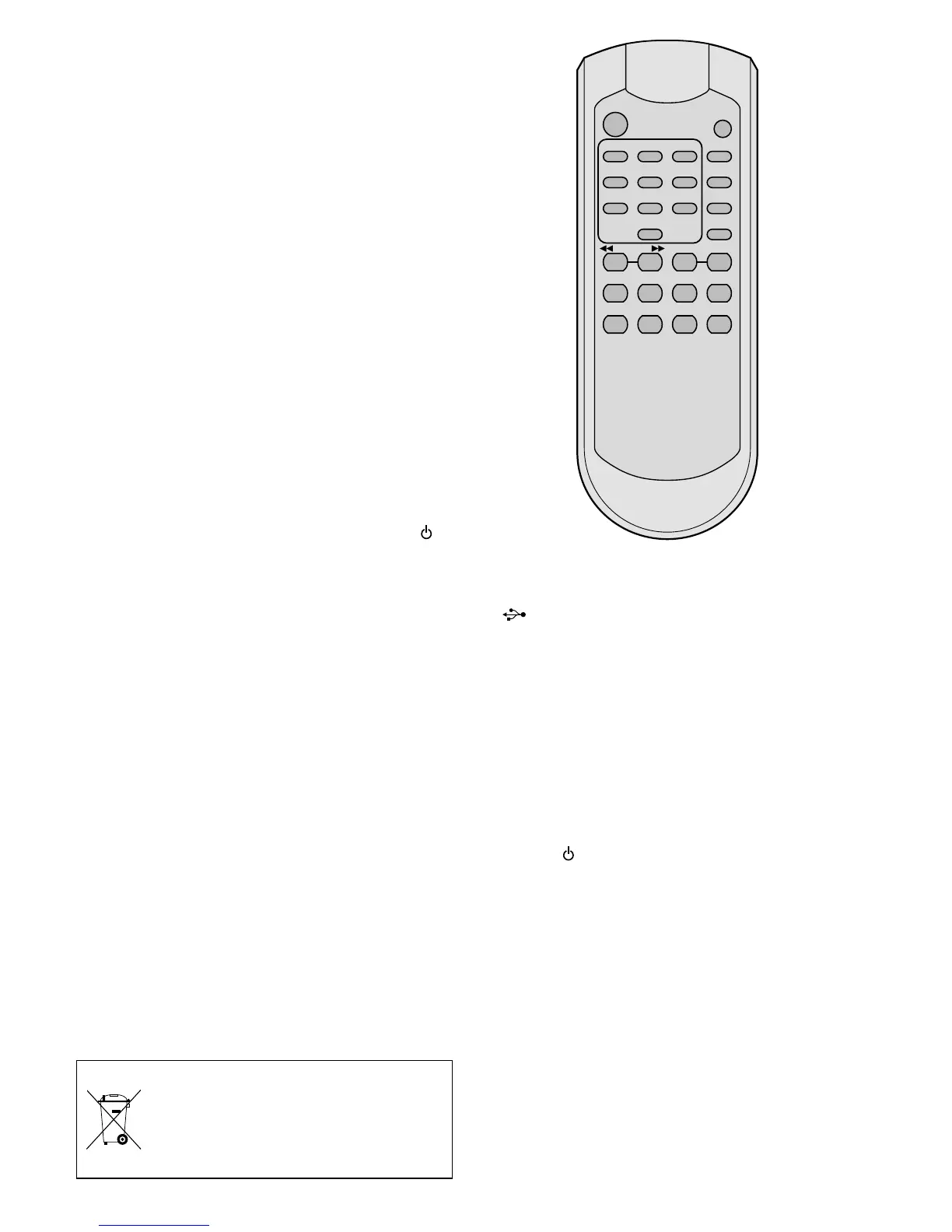
Switch on the unit by means of the button at
the unit or the button POWER on the remote
control. Welcome will appear on the display.
If neither a memory card nor a USB flash drive
is inserted,
NO USB will appear on the display.
4.1 Remote control
1) Remove the battery compartment cover on
the rear side of the remote control. Insert
the batteries (2 × 1.5 V, size AAA) as indi-
cated in the battery compartment. Close the
compartment with the cover.
If the remote control is not used for a
longer period of time, remove the batteries
as a precaution so that the remote control
will not be damaged in case the batteries
should leak.
2) When pressing a button, always point the
remote control towards the sensor “IR”.
Make sure that there are no obstacles be-
tween the remote control and the sensor.
3) When the operating range of the remote
control decreases, the batteries are dis-
charged and must be replaced.
Never put batteries in the household
waste. To protect the environment,
always take them to a special waste
disposal, e. g. collection container at
your retailer.
4.2 Replaying music titles
1) Connect a USB flash drive to the USB port
and/or
insert a memory card into the slot SD/ MMC
CARD (notched corner to the right). To re-
move the card, push the card into the slot
until it disengages.
2) To start the replay, press the button II
PLAY/ PAUSE.
3) All other functions available during replay
are listed in the table on page 11
.
4) After operation, switch off the unit with the
button
or POWER. The power supply unit
has a low power consumption even when
the DPR-10 has been switched off; there-
fore, disconnect the power supply unit from
the mains socket when the DPR-10 is not
used for a longer period of time.
4.3 Audio recordings
It is possible to make MP3 recordings from a
unit connected to the jacks AUX INPUT (e. g.
CD player) and to store them on a memory card
or a USB flash drive.
1) Make sure that the write protection of the
memory card or USB flash drive is not ena-
bled; if required, disable the protection.
2 31
5 64
8 97
0
STOP
PROG
DISPLAY
ID3
PLAY
PAUSE
REV – SKIP – CUE
FUNCREPEAT
DEL VOL – VOL +REC
FOLDER
FIND MUTE
POWER



 To Next Page
 Loading...