eBike Flow app
SLY
Manuals & Documents
EN
16. SMARTPHONE CONNECTION
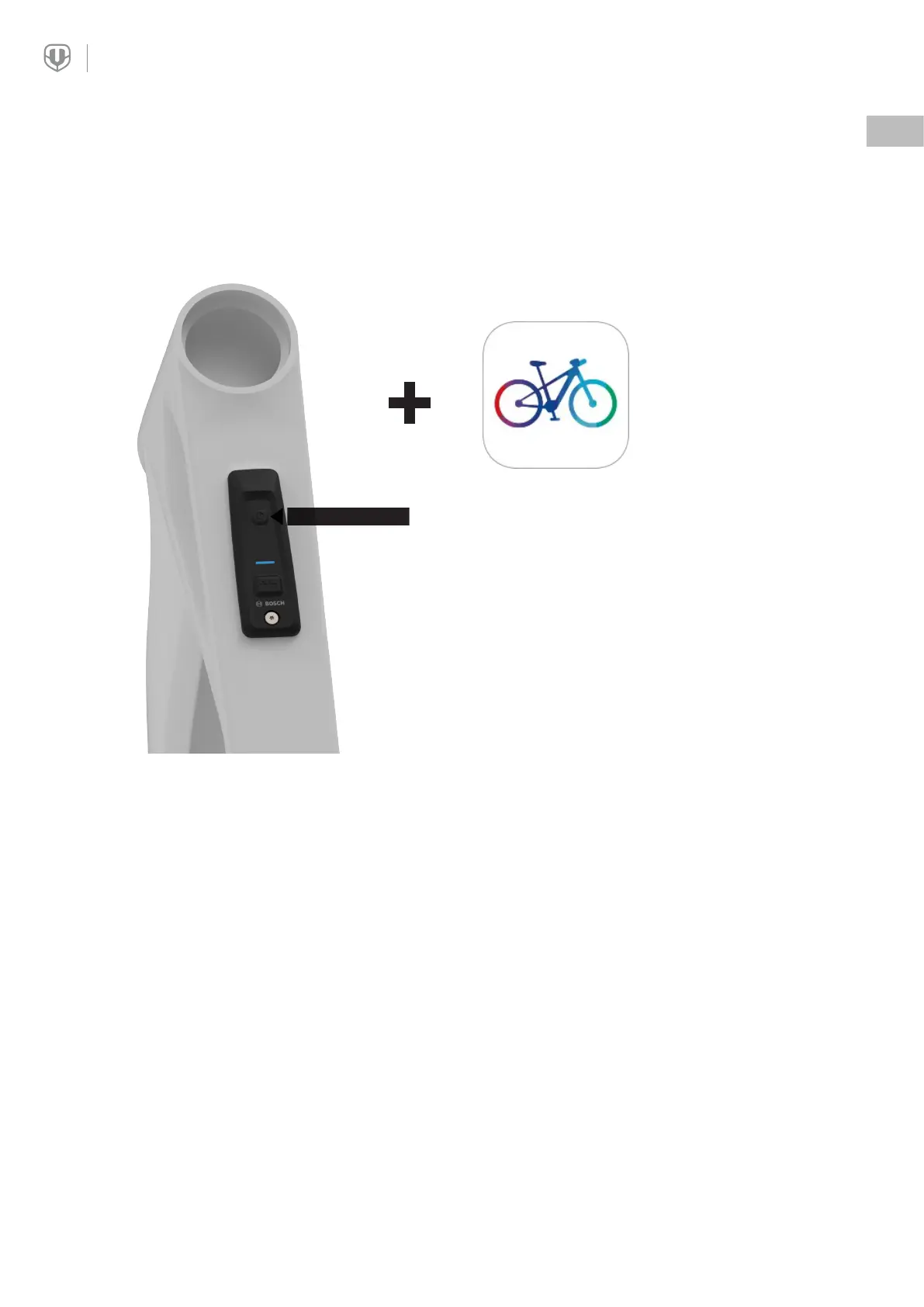
HOLD DOWN
Switch on the bike.
After switching on, press and hold the Power
button for 5 seconds until a blue LED starts
flashing.
Then, open the eBike Flow app and follow the
pairing instructions on your smartphone.


 To Next Page