v1.05
6.26.09
- 14 -
Subsequent Installations
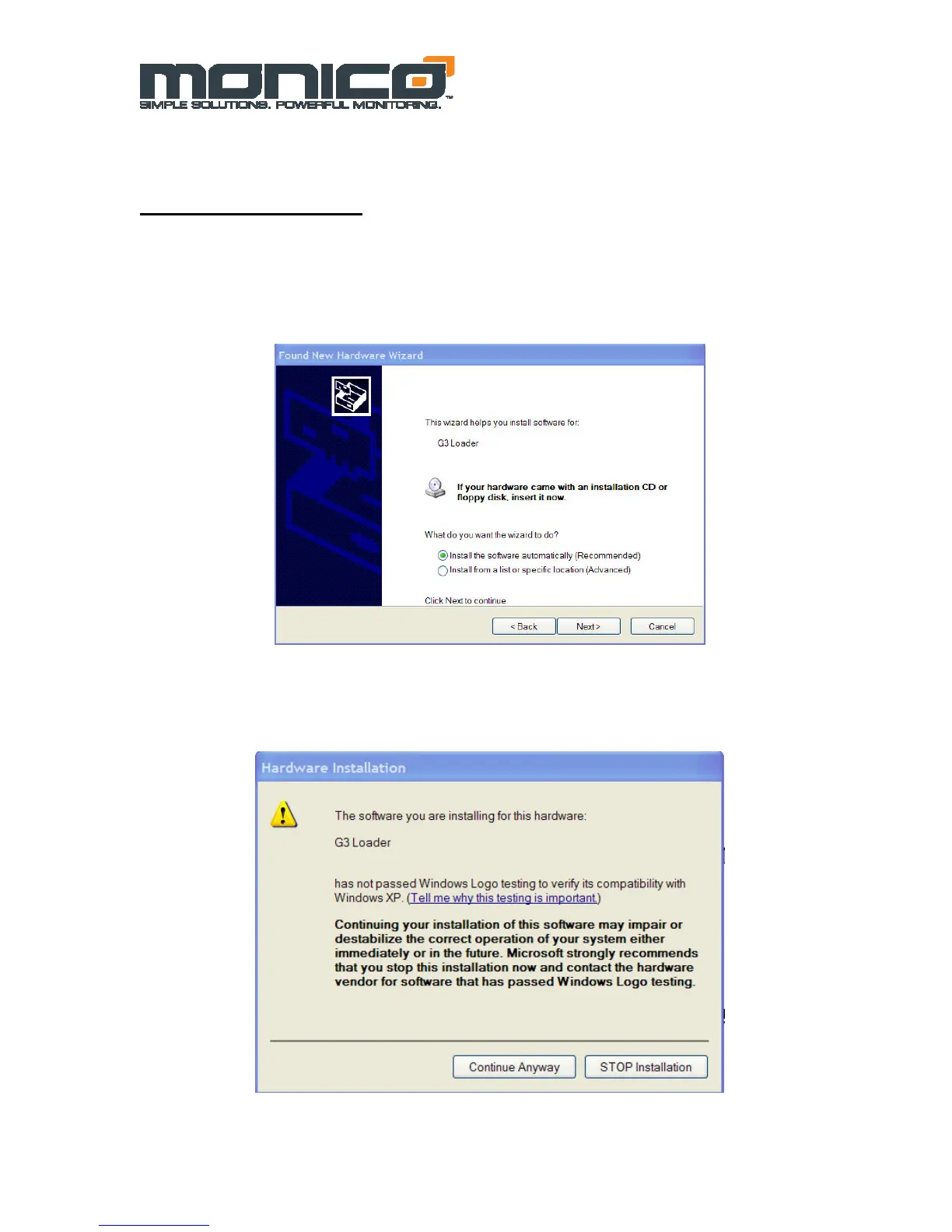
When asked to go to Windows Update to find a driver, select “No, not at this time” and click
“Next”. This will bring up the screen shown in Figure 6.1 below and the “Install
Automatically” should be selected by default. If your first installation is not successful, you
will need to follow the instructions at the end of this section to navigate to Device Manager
and perform a manual install.
Figure 6.1: USB Driver Automatic Installation
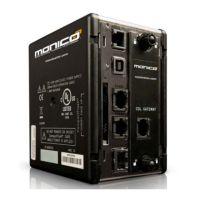
After this screen you will see the screen below stating that the driver you are installing has
not been tested by Microsoft. Select “Continue Anyway”.
Figure 6.2: Windows Compatibility Warning


 To Next Page