v1.05
6.26.09
- 21 -
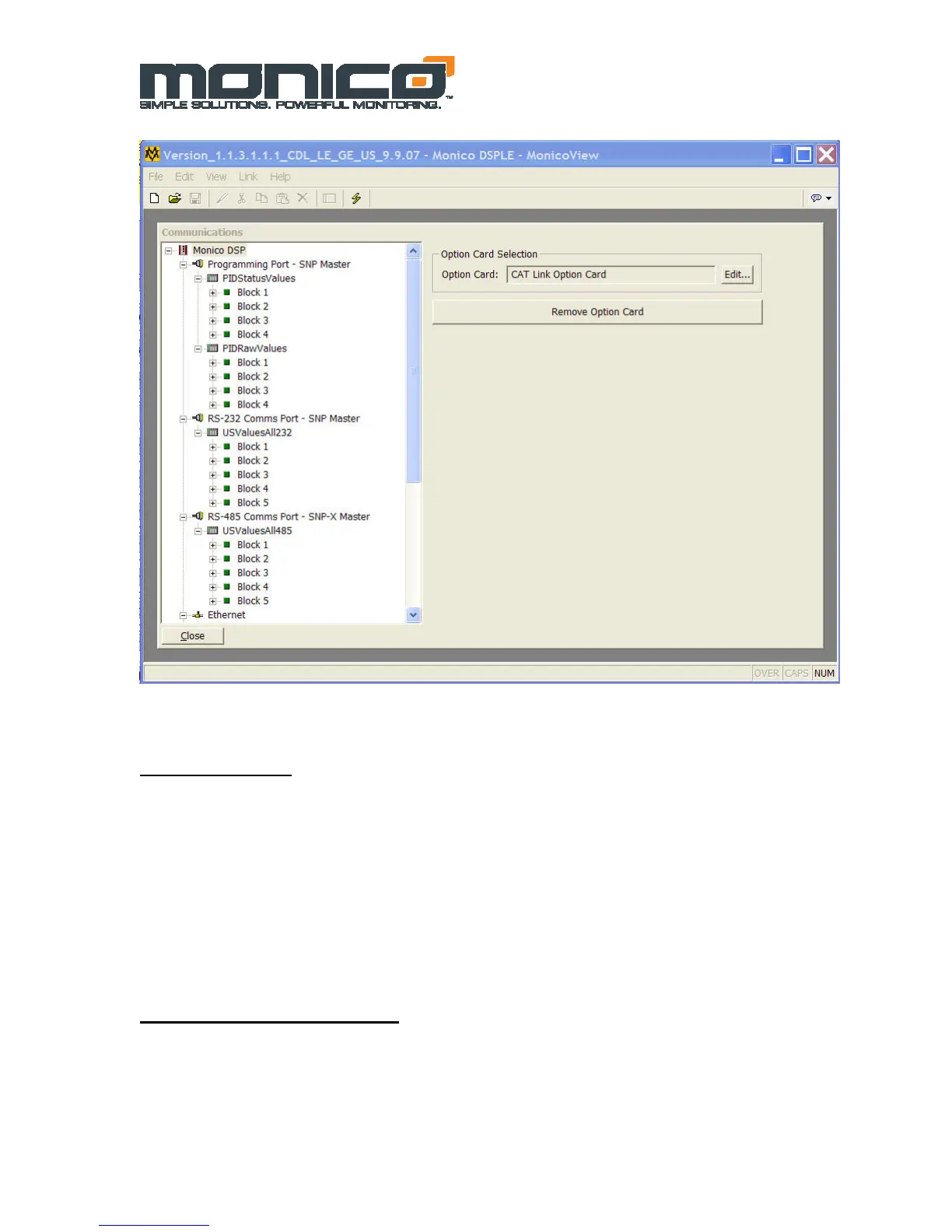
Figure 6.9: Parameter Status Block
Raw Data Block
The second Device installed under the RS-232 Programming Device is called
“PIDRawValues”. Blocks 1-4 under this Device are setup to view raw values for
troubleshooting purposes. These values are the raw values read directly from the CDL Link
before any gain is applied or unit conversions are performed. Note that in most of the
Modbus Versions, this block is omitted because all values are raw. In the PLC versions, the
raw data is useful for troubleshooting conversion formulas and each section of the
communications network.
Installing Program Updates
If you are sent a program update from the factory, you will need to install it using
MonicoView. First install MonicoView, start the program, connect the CDL Gateway™ via
the USB port on the front. If this is the first time you have connected to this particular
gateway, you will need to install the USB Drivers as shown above. After the first driver
installation is finished, go to the file sent to you by the factory and double-click on it. This


 To Next Page