EasyManua.ls Logo

Monoprice Blackbird 21608 - User Manual

Monoprice Blackbird 21608
11 pages
Print Icon
To Next Page IconTo Next Page
Loading...
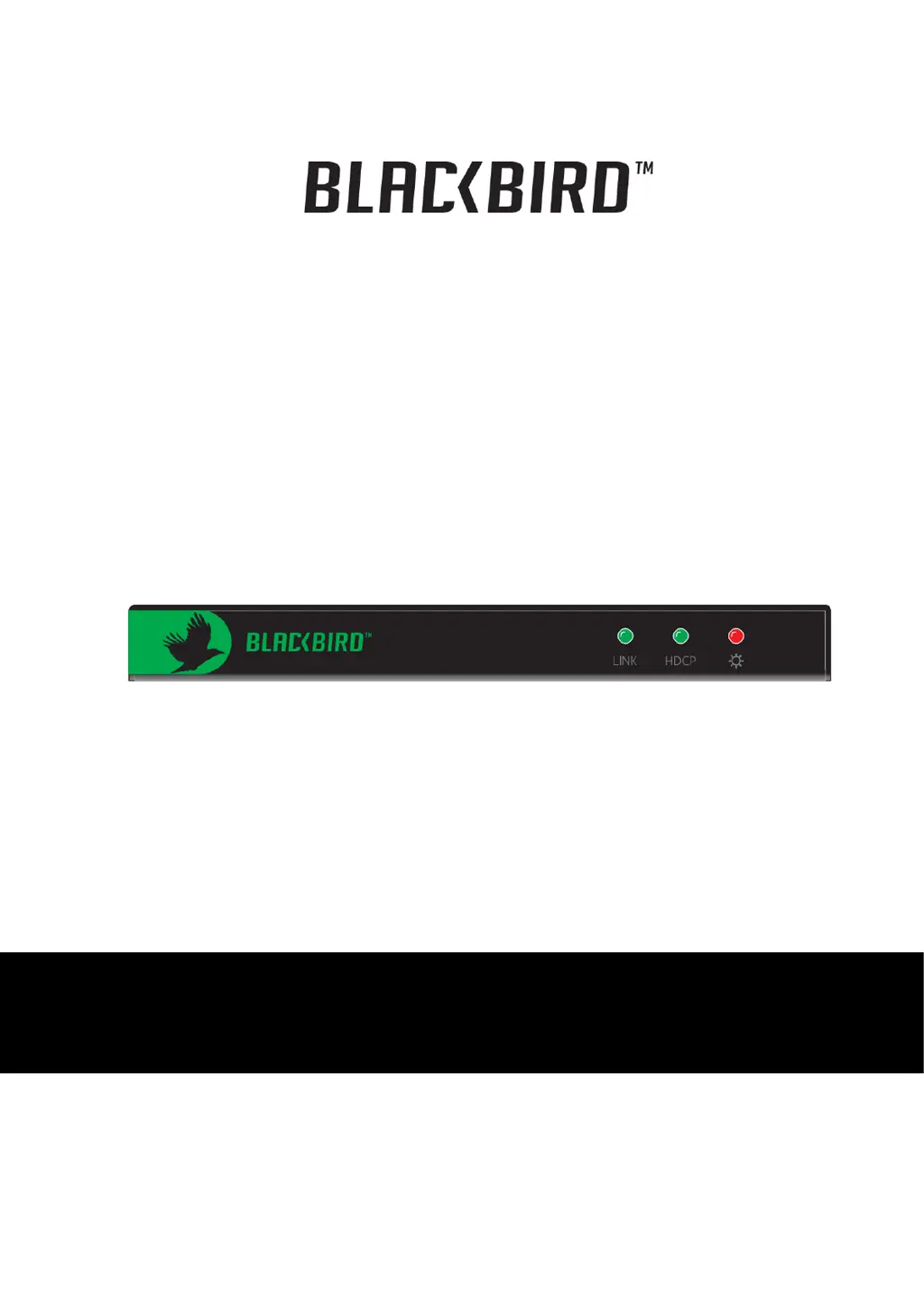
Blackbird
by Monoprice
4K PRO HDBaseT
EXTENDER KIT
P/N 21608
User Manual

Questions and Answers

  • M
    maryhernandezAug 9, 2025
    What to do if there is no output image when switching Monoprice Extender?
    • J
      Jennifer VillaAug 9, 2025
      If you're not getting an output image when switching your Monoprice Extender, here are a few things to check: * First, ensure there is a signal at both the input and output ends, using an oscilloscope or multimeter. * Second, verify that all connections are secure and properly connected. * If the issue persists, the extender may be faulty and need to be sent to an authorized dealer for repairs.
  • K
    Kathryn CardenasAug 13, 2025
    Why do the output images in the display show ghosts/have visual delays with Monoprice Extender?
    • E
      Elizabeth ZhangAug 14, 2025
      Ghosting or visual delays in the output images from your Monoprice Extender can be due to a couple of reasons. First, incorrect display settings could be the cause, so check those settings. Second, a poor-quality cable might be the culprit. Try using a different, high-quality cable to see if that resolves the issue.
  • J
    Jessica GonzalezAug 18, 2025
    What to do if static becomes stronger when linking the video connectors on Monoprice Blackbird 21608?
    • M
      Mitchell HernandezAug 19, 2025
      If you notice increased static when connecting the video connectors on your Monoprice Extender, the issue is likely due to bad grounding. Check the grounding connections to ensure they are properly connected and secure.
  • T
    Todd ClayAug 25, 2025
    How to fix Monoprice Extender when I can’t recognize the device that’s connected to the Ethernet port?
    • P
      Philip MendozaAug 25, 2025
      If your Monoprice Extender fails to recognize a device connected to its Ethernet port, it's possible that the connected device shares the same IP address as the extender. To resolve this, change either the IP address of the extender or the IP address of the connected device.
  • S
    sfuentesAug 28, 2025
    What to do if I can’t control the Monoprice Blackbird 21608 Extender device using a PC through the RS232 port?
    • J
      James GreenAug 29, 2025
      If you're unable to control your device via a PC through the RS232 port on your Monoprice Extender, it could be due to incorrect RS232 communication parameters. Ensure that these parameters are correctly configured. If the problem persists, and the device is under warranty, contact Monoprice Support, as the device may be broken.
  • N
    Natasha CobbSep 3, 2025
    What to do if I can’t control the Monoprice Extender device using RS232 / IR?
    • P
      paul54Sep 3, 2025
      If you are unable to control the device using RS232 / IR with your Monoprice Extender, the device may be broken. In this case, send the broken device to an authorized dealer for repairs.

Monoprice Blackbird 21608 Specifications

General IconGeneral
TypeHDMI Extender
Model21608
BrandMonoprice
Transmission MethodHDBaseT
DistanceUp to 230 ft (70m)
Power Supply5V DC
HDCP SupportHDCP 2.2
Transmission Distance at 1080pUp to 230 ft (70m)
Maximum Resolution4K @ 60Hz
Input Ports1x HDMI
Output Ports1x HDMI
Transmission Distance at 4KUp to 70 meters
Cable TypeCat6
HDR SupportHDR10
Audio FormatsDolby TrueHD, DTS-HD Master Audio

Related product manuals