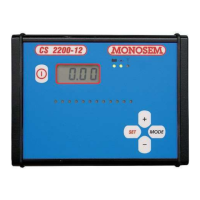
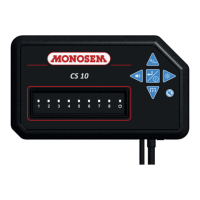
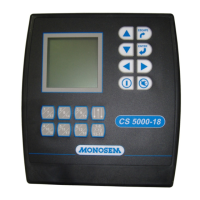
- 58 -
3 – User
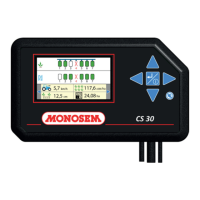
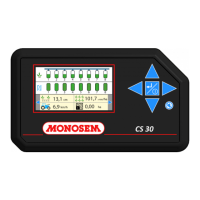
Each press on this button runs the data lines
shown in the upper part of the screen :
- :
travel speed
- :
partial area counter no 1
- :
partial area counter no 2
- :
total area counter
The numbers on the lower part of the screen represent
the seeding rows. The rows are numbered from the left
to the right in relation to forward movement.
The squares under the row numbers report on the
situation of the rows.
: : No seed detected
: : Seed detected, correct density
: : Rows under dosed
: : Rows over dosed
Should the density not be correct an alarm
will
sound. To stop the alarm press
.


 To Next Page
 Loading...