GETTING STARTED:
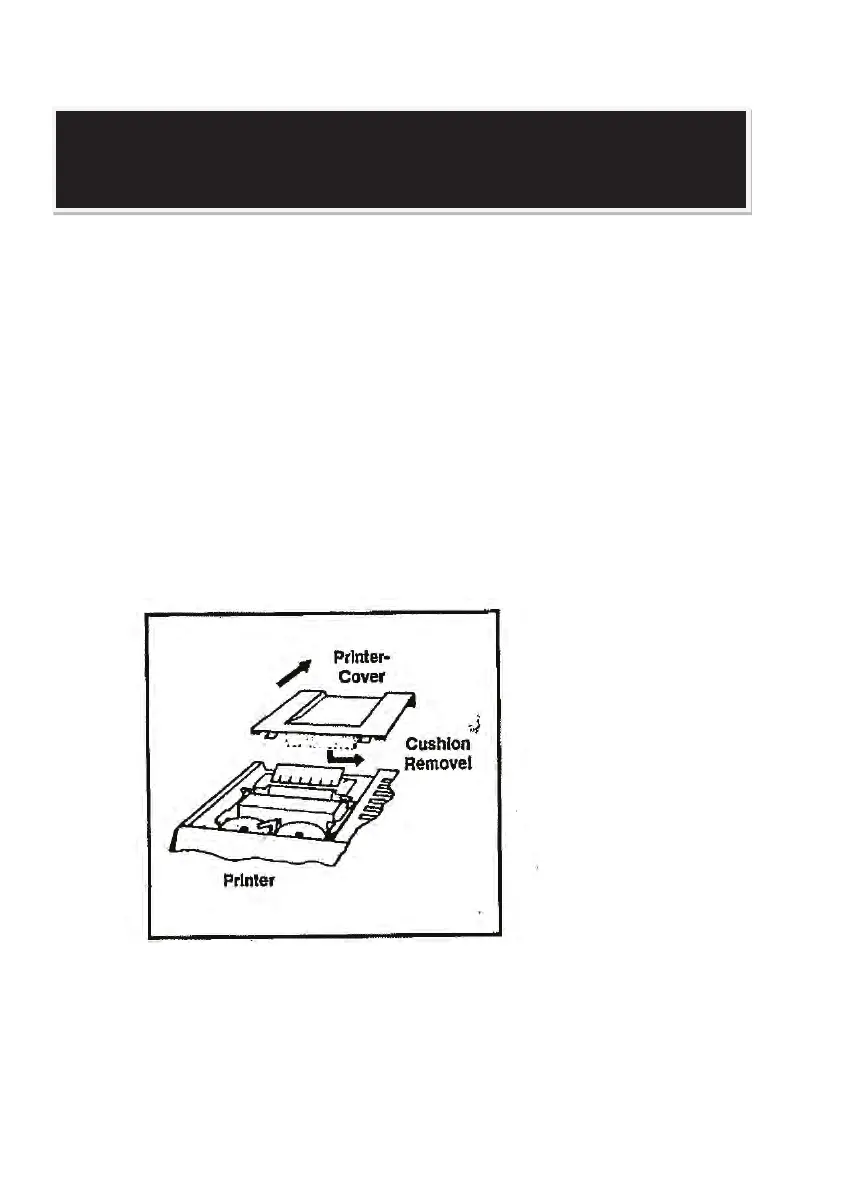
1) Take out the foam cushion inserted between the top cover and printer
mechanism before connecting your machine to the power outlet.
2) Plug in AC power cord.
3) Be sure that paper roll and spooled ribbon have been installed properly. (Refer
to pages 4 & 5).
4) Turn power switch on.
5) Set decimal point selector switch at the desired position.
NOTE: Please remove ribbon-cushion under Printer cover before operating!
The cushion exists to protect the printer during shipment and has no purpose
once delivered!
OPERATING INSTRUCTIONS
2



 To Next Page