Status
Description Voice Prompt
Power On
Blue LED indicator stays On about
1 second
“Power On”
Power Off
Red LED indicator stays On about
1 second
“Power Off”
Pairing
Connected
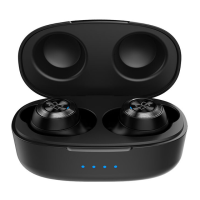
Charging –
Earphones
Charging –
Charging
Case
Blue and red LEDs flash alternately
Blue LED indicator flashes every
6 seconds
Red LED indicator stays On
Battery level LED Indicator flashes
while charging. When battery level
LED indicator is off, it is fully charged.
“Pairing”
“Connected”
-
-
LED Indicator Guide
Caution
ONLY use computer USB output or standard 5 volt only
(500mA minimum) power adapter for charging. Damage may
occur if non-standard USB power adapter is used for charging.
Do not charge if connector and/or device is wet or damaged.








 To Next Page