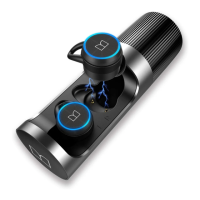
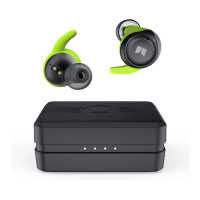
1.SportClip™
2.Multi Function Button (MFB)
3.Charging Contacts
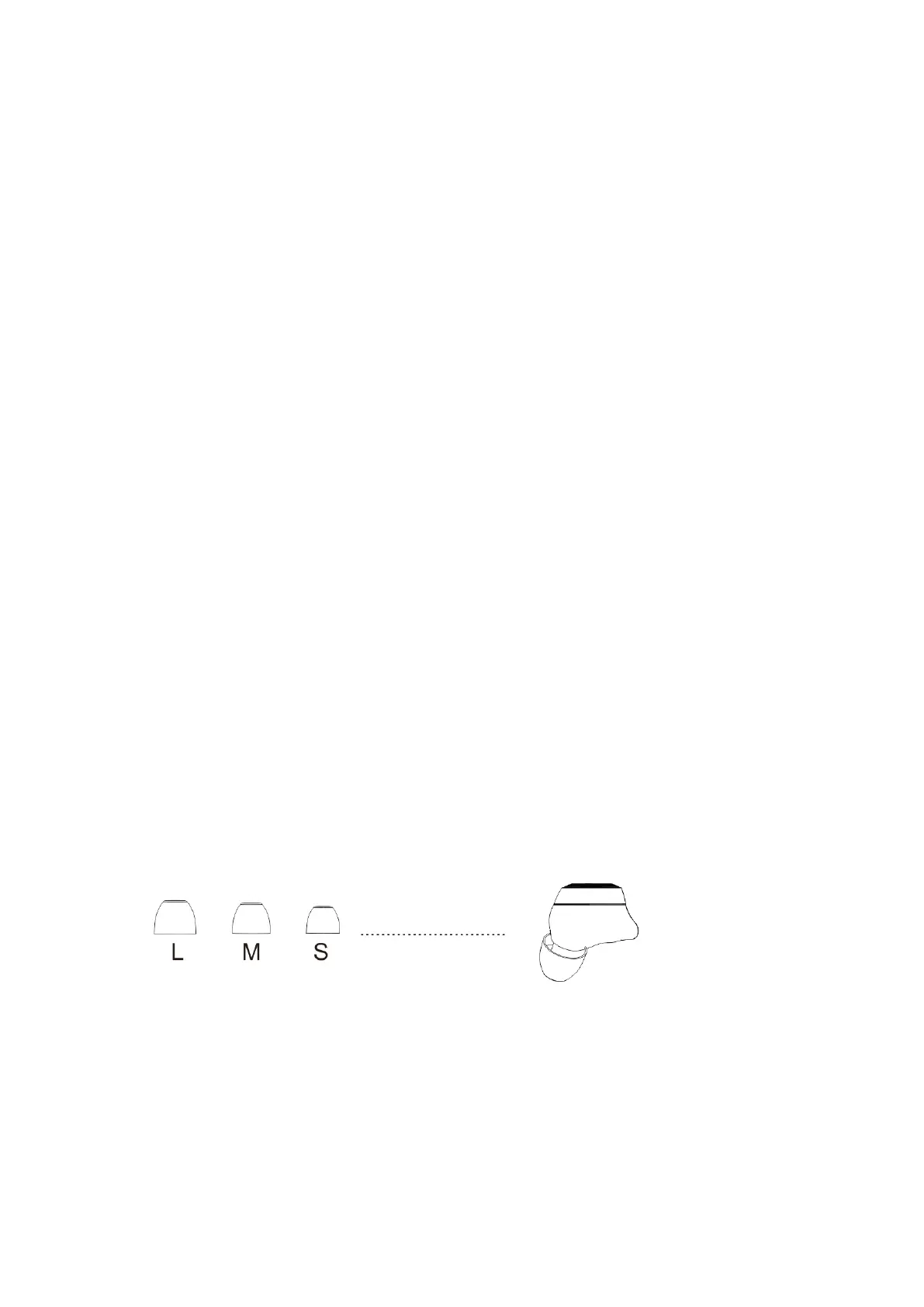
4.Eartips
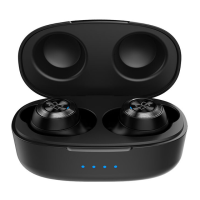
5.Charging Case - Battery level
LED Indicator
6. Charging Case Charging Port
Power On/Off
Take the earphones out of the charging case, and the earbuds will
be automatically power on. When the earbuds is power on, put the
earbuds into the charging case, and the earbuds can be power off
and charging.
Experiment with the different sizes of ear tip to find your perfect fit.
Twist the earphone until it fits securely and comfortably.





 To Next Page