3
English
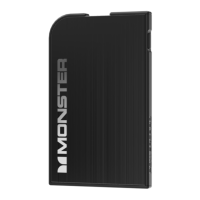
Charge the PowerCard™
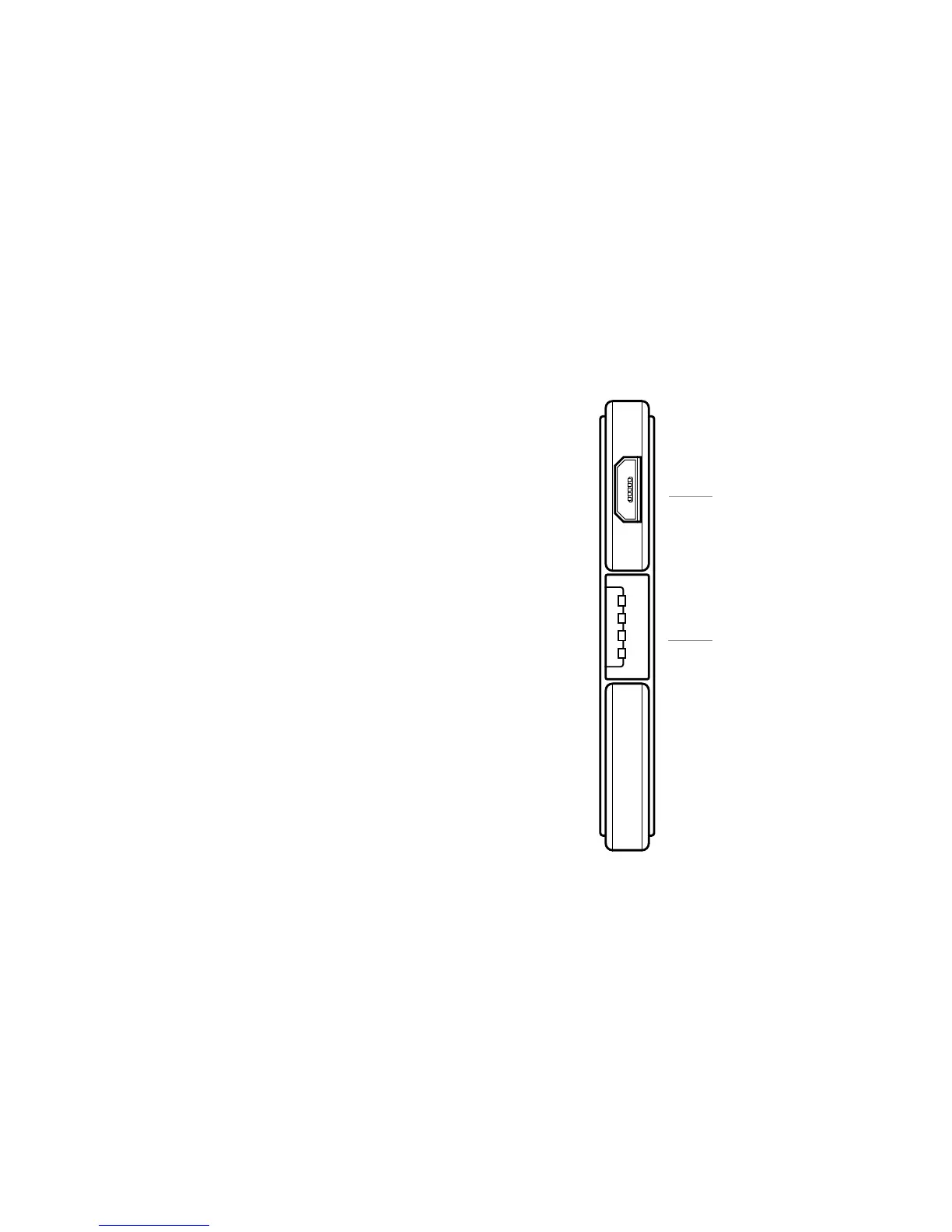
Using the included USB to Micro cable charge the PowerCard™ with your
computer’s USB port or a power adapter.
Cable: USB Micro into PowerCard™—standard USB into
Computer/Power Adapter.
Charge Your Device
Using a standard USB plug, connect your device to the USB out on the
PowerCard™. Be sure and press the PowerCard™ button to initiate charge.
Cable: PowerCard™ standard USB out—Into your smartphone
or other device to charge.
POWERCARD
™
FEATURES
MicroUSBIn
StandardUSBOut


 To Next Page